Office 2010, latest version of Microsoft Office, enters public Beta – get it for free
November 18, 2009 37
Email article | Print article
Do you use Microsoft Office? There’s a good chance you do. There’s also a pretty good chance you have heard about the new and upcoming Microsoft Office 2010. However, you probably didn’t know about the public beta Microsoft is running for Office 2010; anyone and everyone can use Microsoft Office 2010 Beta for free until October 2010.
Before I tell you how to get the Beta, why should you use Microsoft Office 2010? Microsoft gives you ten reasons why (warning: a great amount of corporate cheerleading is involved in the following list):
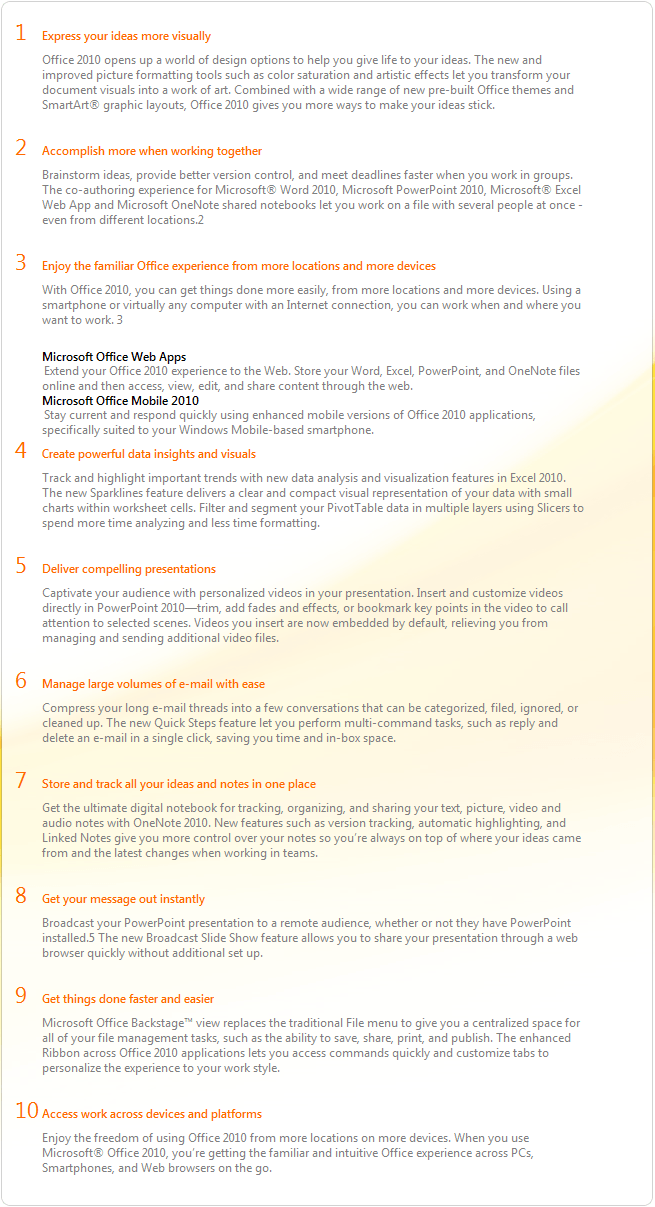
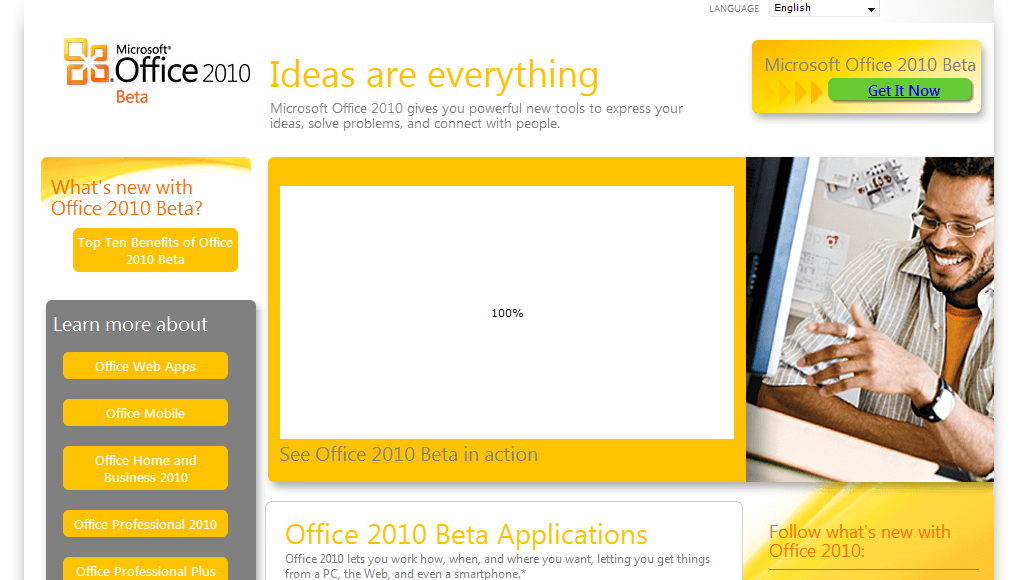
Anyway, to get started with Office 2010 Beta, just visit Officebeta.microsoft.com:
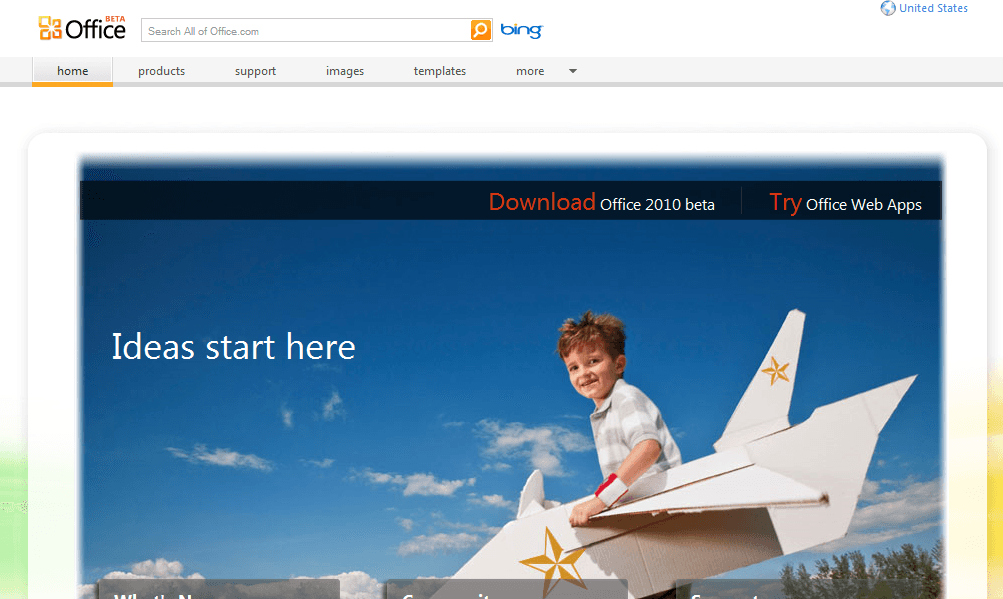
From there, just follow the links that say things like “Download” or”Get it Now”:
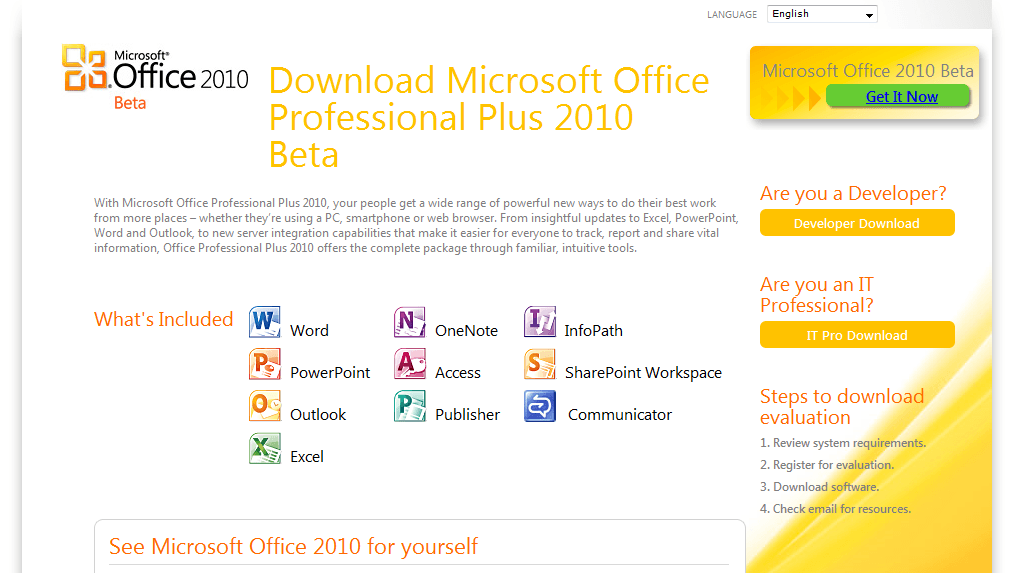
After two or three clicks you’ll reach the Windows Live sign in page:
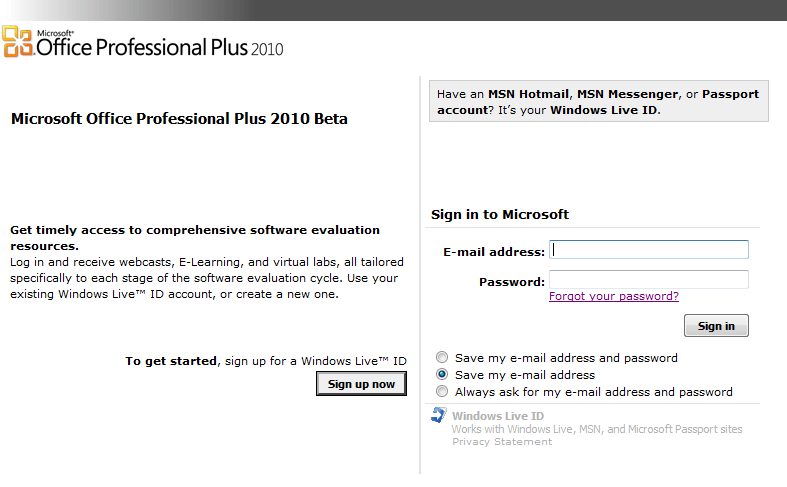
Just enter your credentials and click “Sign In” (if you don’t already have an account you will have to register – registration is free). You’ll be redirected to a page featuring your activation code, and at the very bottom, a “Download” button:
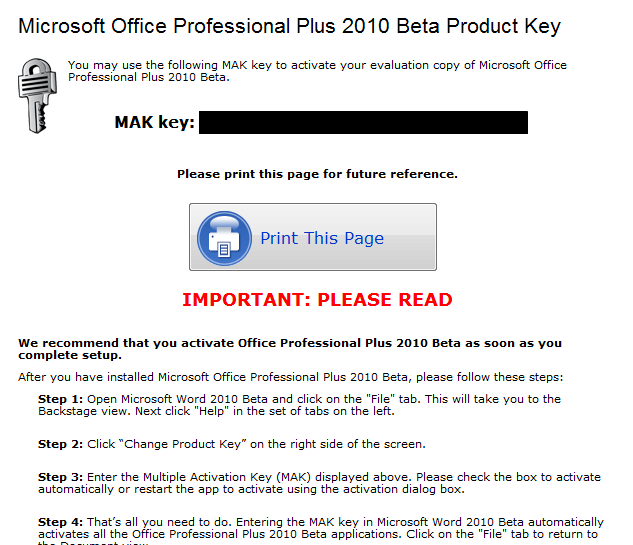
Be sure to read the “Important: Read This” section: It’s, well, important. Down at the bottom of the page is a download section; in it, they offer two downloads: One for 32bit, one for 64bit. If you don’t know which one to get, use the 32bit version. Click on the “Select Language” dropdown and select your language. Then just click the large blue “Download” button.
A window like this should pop up:
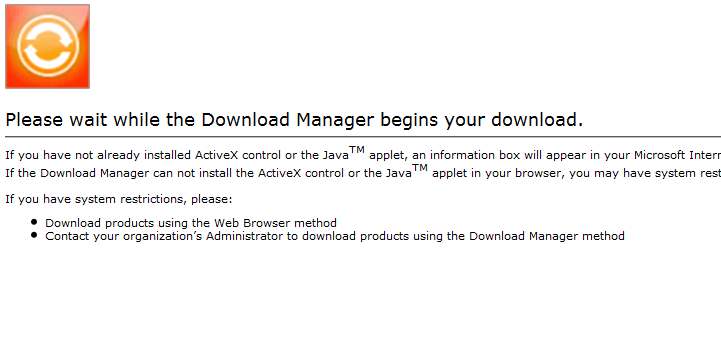
Just wait until it turns into this (but if boxes pop up click Allow or Yes):
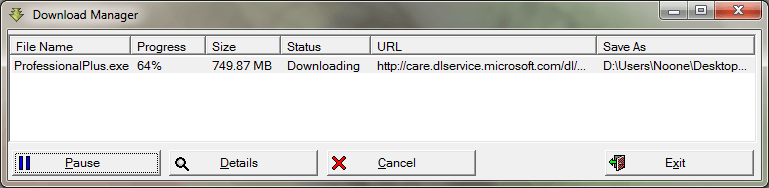
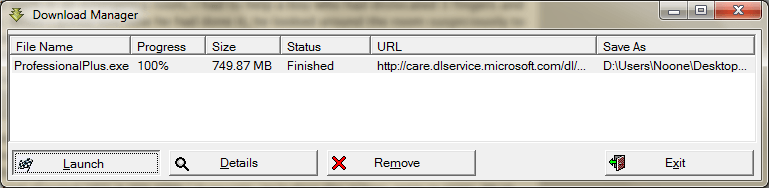
Allow it to download the ~750 MB file. This may take some time! When it is done, click Launch: it takes the place of the Pause button:
Then let it extract the files:
Then, it’s on to the install! Accept the EULA and click whichever type of install you please:
I selected Custom and then selected everything there was to install:
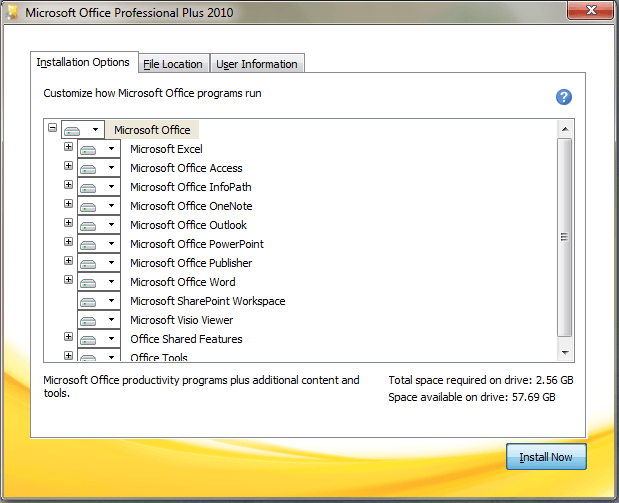
Click Install Now and wait; it may take some time:
After it installs it will add a smile and a frown to your status bar: to show that you’re happy with a feature, click a smile. To show you dislike something, click a frown:
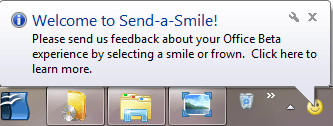
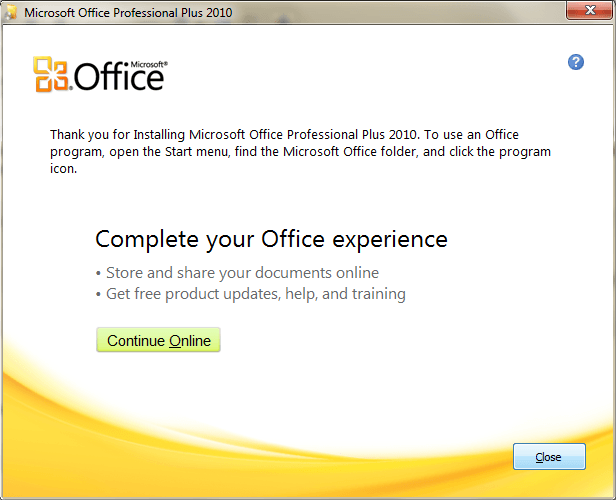
You will also be prompted register online; you don’t need to do it so click close. Then open the main window from the start menu; I will open Word for the purposes of this article:
(Looks nice doesn’t it? They even have a cancel button! I’ve always wanted that.)
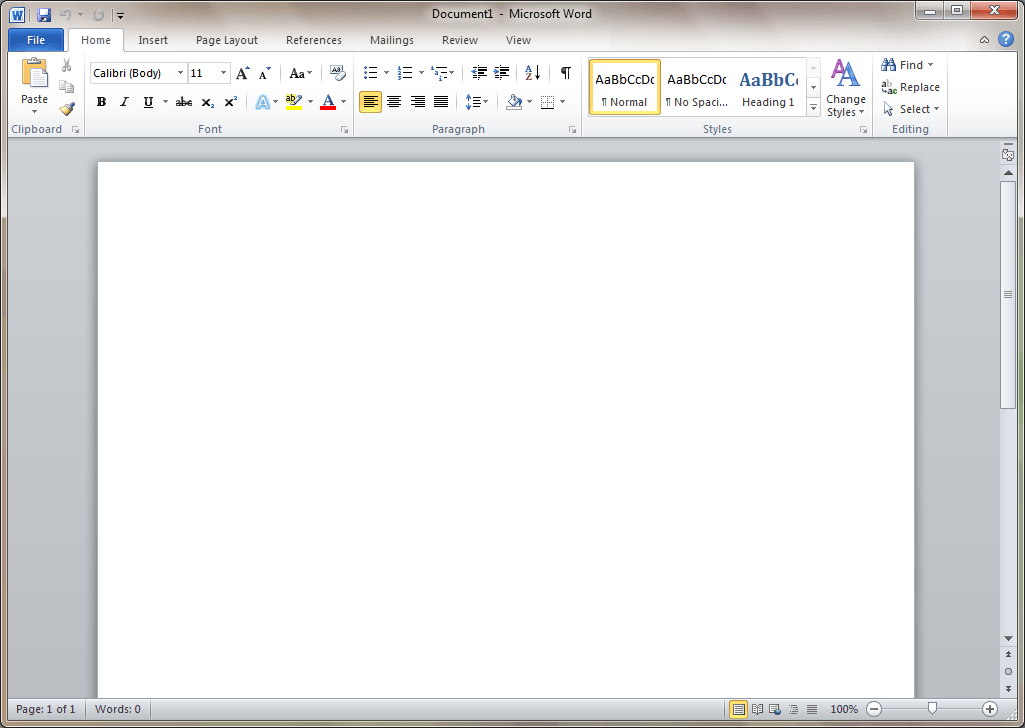
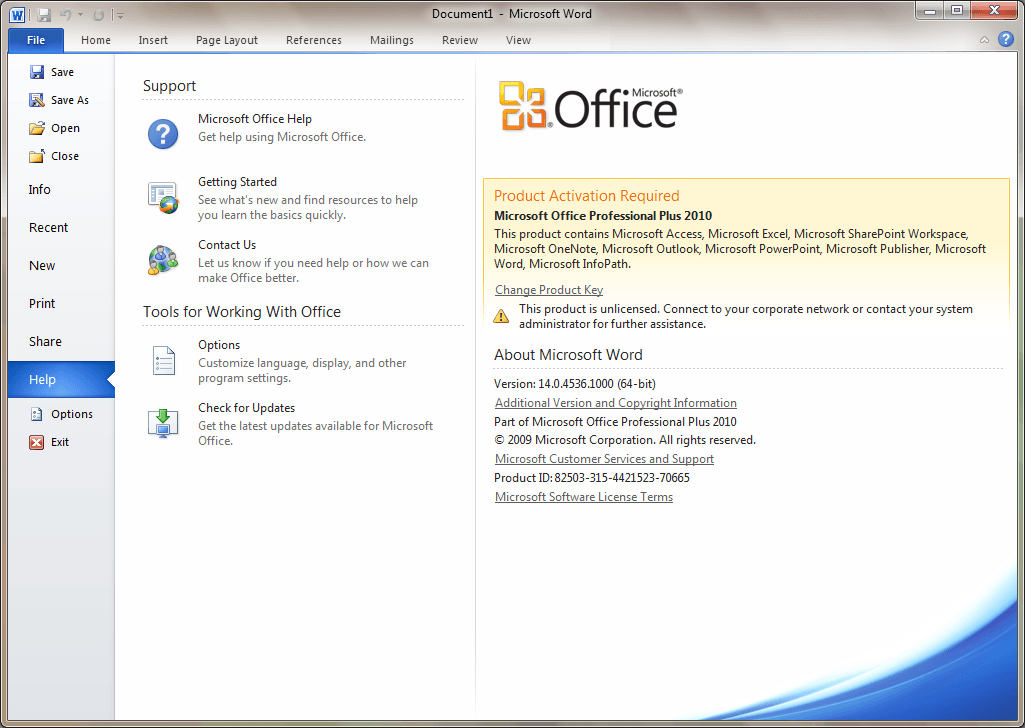
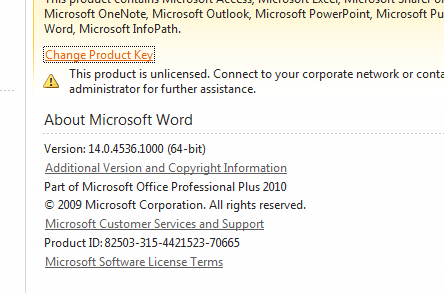
Click on the “File” tab and from there the “Help” tab on the left. Click on “Change Product Key”.
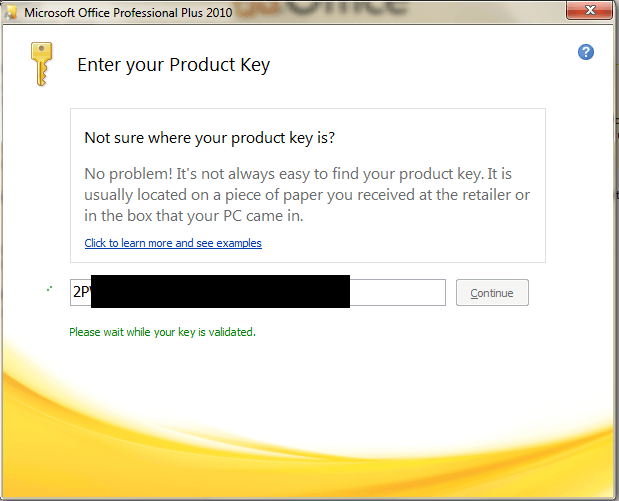
A box will pop up. Type in the product key you received earlier (or paste it in if you have it copied) and click Continue:
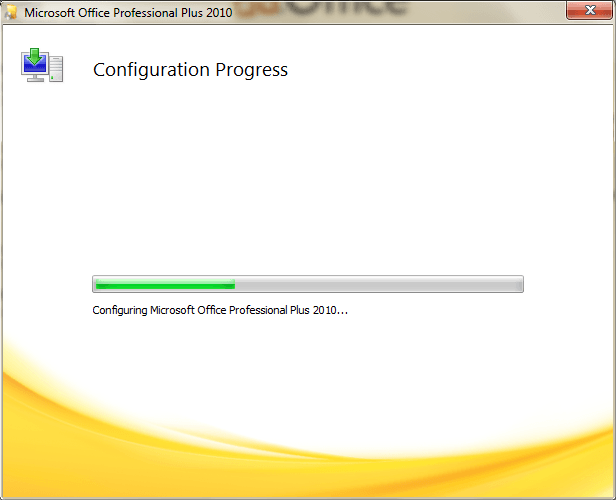
It will prompt you to do an “Install” or a “Custom Install”. Click install and it will register the Office programs:
And then you’re set: MSOffice 2010 is yours (for free) until Ocotober of 2010. At October 2010 the beta will expire and you’ll be left with a cold dark feeling as though you should pay Microsoft to permanently keep the software you’re so familiar with.
Version reviewed: 14.0.4536.1000
Supported OS: Windows XP(SP3)/Vista(SP1)/Windows Server 2003 R2/Windows Server 2008 (SP2)/Win7







![[Windows] Terminate malware (virus, spyware, etc.) and rogue software or processes with KillEmAll](http://cdn.dottech.org/media/2013/05/KillEmAll-Main-UI-134x90.png)
![Microsoft makes fun of iPad using Siri’s voice in latest Windows 8 ad [Video]](http://cdn.dottech.org/media/2013/05/ipadsurface-134x90.jpg)
![[Windows] Backup and restore open windows, programs, files, tabs, and more across multiple computers with Cupcloud](http://cdn.dottech.org/media/2013/05/Cupcloud-Beta-empty-UI-134x90.png)
![[Android] RegawMod Rebooter allows you to easily reboot, power off, or go into recovery or bootloader by clicking a button on your Windows computer](http://cdn.dottech.org/media/2013/05/RegawMod-Rebooter-UI-134x90.png)
Technet subscribers like me got it 2 days ago.
3-4 GB File? 64-bit Pro Plus from Technet was only ~734 MB.
I like this a lot more than the Technical Preview because the beta never crashes.
P.S. I love the new icons.
@calebstein: It’s supposed to be 3/4 meaning three quarters=750MB. I guess I should have said that instead!
Did they add an option to disable the ribbons yet? No one likes those :P
@calebstein:
Out of curiosity, a) Does it replace the current edition of Office users have installed?
b) When uninstalled does a user have to re-install their original software?
@Liam K:
Liam K.– All I ever use is Word and occasionally Access, but the “ribbon” was a deal-breaker for me in Office 2007.
@OldElmerFudd: No, you can just tell it to install side-by-side.
I was beat to a MS news article!!!! :(
And for the recored I like the ribbon.
@Samuel: As soon as I heard word of the Office beta, I rushed to type up an article. As I was typing it, I was thinking, “is anyone going to post an article about this before me?”
If I owned a copy of Office 2007, I would give that to you for free (tied with a ribbon)
PS
I hope they come up with another new file format, so it forces those that don’t want it, to buy it, so that they can read the 2010 files sent to them by others foolish enough to buy it.
@Locutus: It’s what I get for not checking my MSDN subscription often enough.
Hey I heard it was coming out, I’ve been on the web apps beta for awhile. Nice to hear you can download it with Office 2007. But that’s a lot of computer real estate.
This is the first I heard of it and I’ve been working on web apps, so your way ahead of the game. Most news I get is from the other testers or here.
Thanks for such a nice explanation, I know a lot of people have office 2007 preinstalled and don’t want to lose it.
Thanks I’ll tell my fmaily and friends right away.
Wow what a great post, you really put some work into this one.
Vidimo Se!
@Rob: Well actually I took advantage of this offer:
http://dottech.org/freebies/4147
from quite a while ago involving Circuit City and Microsoft Equipt. I got two copies, so I made myself $70 richer while acquiring 6 activations of MS Office 2007, so no need to give me Office 2007 for free.
[Windows 7 would be a great gift. Huh? Huh!?!? (-:]
Correction: You can side-by-side all of 2010 with 07 except Outlook. Which might be a deal breaker for me.
@Liam K: I do know of a program that does a very good job at adding back the drop down menus to Office 07.
@Locutus: Don’t I get a cut? I’ll take an IOU =P.
For those who do not like the ribbon in Office 07, please look for “RibbonCustomizer” which will give you looks and feel like your older versions
Dr Nitin
Greetings all! Thanks for this! I am hoping that 2010 comes with a “copy plain text” without text formatting option. Please, oh please ….
@Liam K: Actually you can hide the ribbon but I do not think that you can disable it and change it back to the normal ribbons. But for the record I do like the ribbon.
@< href="#comment-18412">Ozzie: You can choose the options for cutting copying and pasting under the word options menu in the advanced category. It is near the top. I am not sure if you can choose to coy only text but there is a button which allows you to select the settings for smart cut and paste. There might be an option there which you are looking for.
@ chinaguy: Thanks!
i have office 2003 . can i use 2010 beta along or do i have to remove 2003. kindly clarify.
thank you
Looks like a nice layout. I like the ribbon, sorry! LOL Since they actually have 64bit I’m off to give it a go!
Thanks Locutus
I use office 2003, then went to office 2007. to be honest I thought it didn’t make me work faster or any more easier.in fact i found it to be intrusive. nor could i get it to work my way. so I went back to office 2003.they can keep office 10
@k.subramanian: you can install any version of any office program side-by-side (keep the old and the new) except Outlook.
I think I’ll mostly stick with Office 2003; but I might take a peek at OneNote 2010, to see if it finally has the “anywhere” features that Evernote has.
This could be Microsoft’s last stand. A year of free Office, and free Windows 7 to IT professionals. The best Windows upgrade is Wubi:
http://wubi-installer.org/
I’m unhappy, cause it’s these kind of announcements that makes me to fire up my internet explorer. :(
@ Samuel thanx