
 Email article
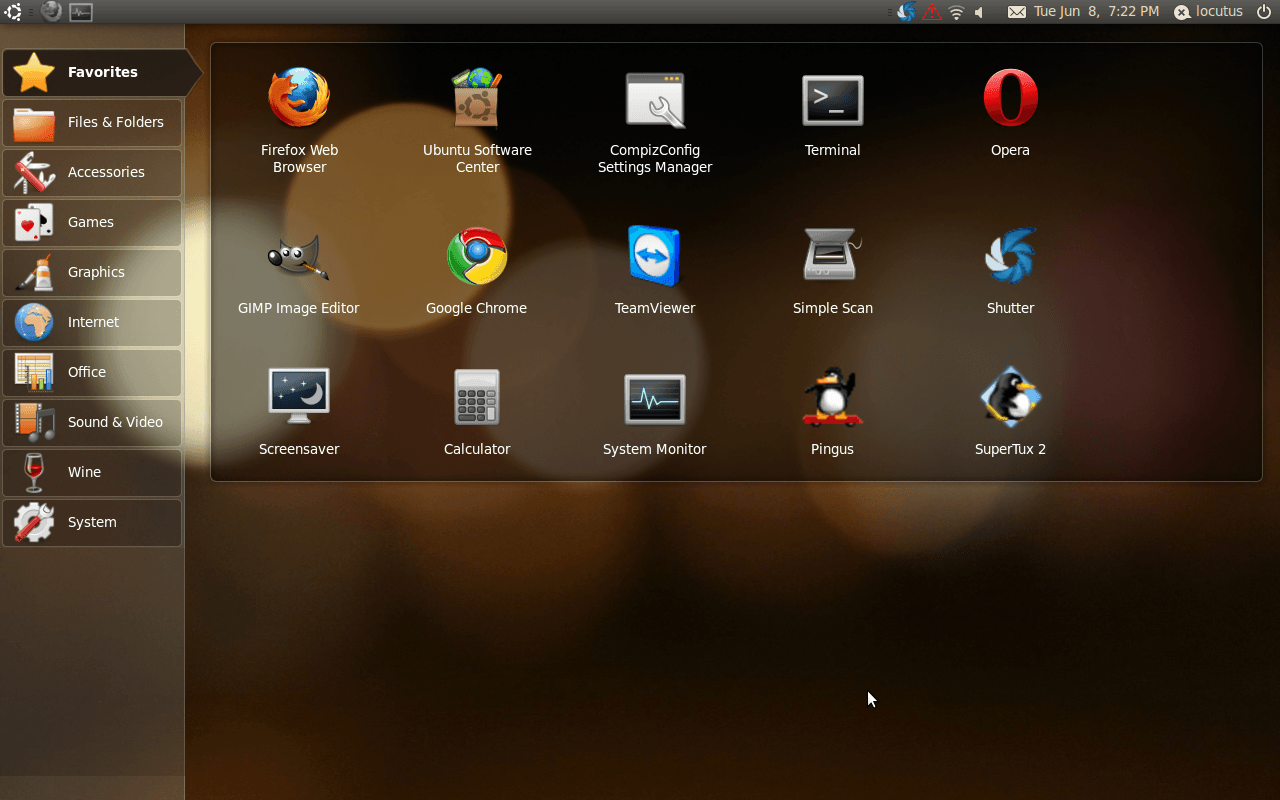
What is that and where’d the taskbar go? That’s Ubuntu 10.04 LTS Netbook Edition, a free operating system designed for small-screen netbooks. Why’d anyone ever want it? Let’s find out!
That’s the “home screen”. Basically, it’s the single place that all of your applications and sites go-and the section shown above is your “favorites” section. You can add any program developed for Ubuntu (and a lot not developed for Ubuntu) or any site to that screen.
That bar on the left side is the “categories” of programs-we have accessories, games, graphics programs, Internet programs, Office programs, Sound & Video programs, Wine (a special program for Linux), and settings.
However, let’s say you aren’t happy with the default software installed in Ubuntu, you want more. How do you handle that? just click on Ubuntu Software center-by default, it’s in the Favorites section. From that window you can search for new software to install.
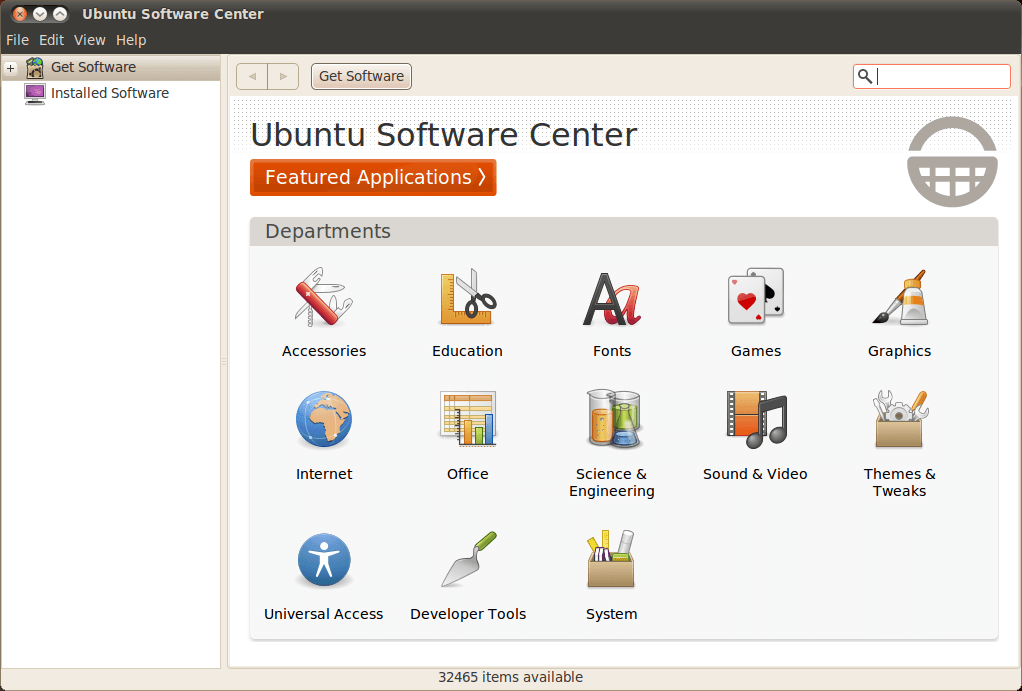
You can add “repositories”–lists of installable programs and where to get them, but a lot of the time you don’t need to. For GIMP, I needed to add a repository, but it was as simple as searching for GIMP, clicking “install somethingerother”, waiting for the list to download, and installing GIMP.
Uninstalling can also be done from the software center:
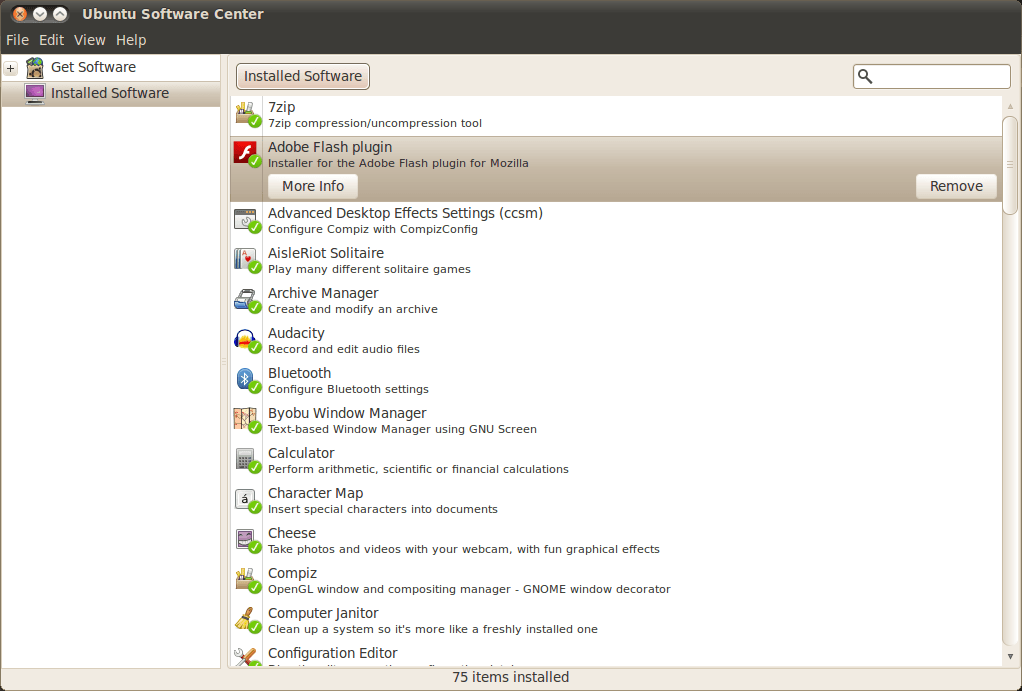
You’ll see here that Flash Player is what is installed. While it isn’t installed by default in Ubuntu, it’s a prime example of how software that isn’t in the Software Center can be installed. You visit the download page and simply select one of the versions for Ubuntu-I recommend the .APT. Then let it install, clicking OK at the prompts (it does things like add its own repository).
Browsing the web
Like a good operating system should, Ubuntu comes with Firefox installed by default. The web browser, while it may be one of the older ones in the market, is still way up there in terms of usefulness and is probably already very familiar to you. If you want to, Google Chrome and Opera are also available to Ubuntu, as seen in the first screenshot of Ubuntu above.
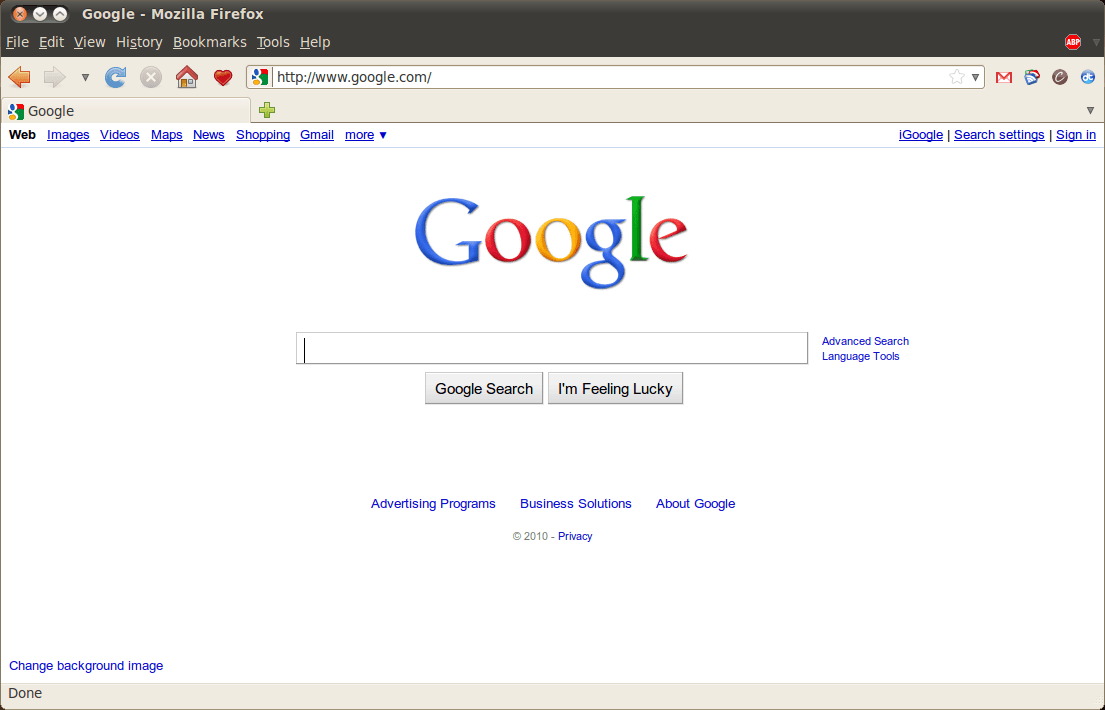
Another great thing about the “Netbook” version is that you can add websites directly to the home screen. Let’s say I’m on Cogizio.
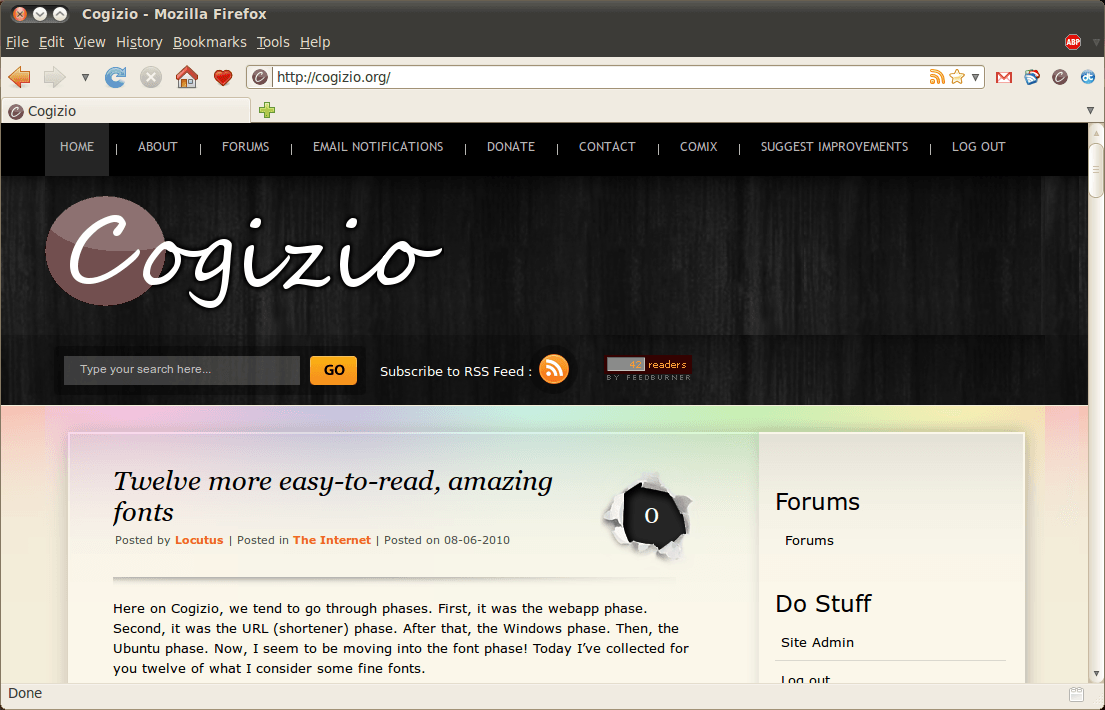
See that red heart in the corner?
When I click it, Cogizio will be added to the front screen of my computer.
Terminal: The command line of *nix
Being built on the powerful Linux core, Ubuntu has Terminal. If you’ve ever used a Unix-like system such as Mac OS X, Ubuntu or other Linux flavors, or BSD (mentioning this specifically for one user), then you know how powerful Terminal is. Rather than go into details here, I’ll just tell you: this is good. Very good.
The User Interface
Where is the familiar task bar? The start menu?
Ubuntu Netbook Edition is a totally new animal, different from all the other OSes out there: it’s not Ubuntu (although it is), it’s not Mac OS X, and it’s not Windows. It has an overhauled interface built for netbooks: there’s the front screen, the fact that applications open maximized, and the new top bar (to name a few).

You’ll see in that shot of the top bar, it has an Ubuntu logo, a Firefox logo, and a graph-like thing. The Ubuntu logo takes you back to the home screen, and the Firefox logo means I have a window minimized. My current window was the System Monitor.
So… how do I go about trying this Ubuntu Netbook Edition?
I’d recommend reading my excellent guide on Virtual Machines here at dotTech. The ISO (you’ll need this for installing the OS-this is the install medium) is available at Ubuntu.com (it’s a 700MB download). If you try it and love it, then you can install it from a live USB or live CD–I’ll post about those some other time.
This article originally appeared on dotTech (http://dottech.org/freeware-reviews/16532) on Tuesday June 8, 2010. To use this content elsewhere, please read the fair use policy.
