March 31st is World Backup Day: here’s what you might miss

March 31, 2011 23 Email article | Print article

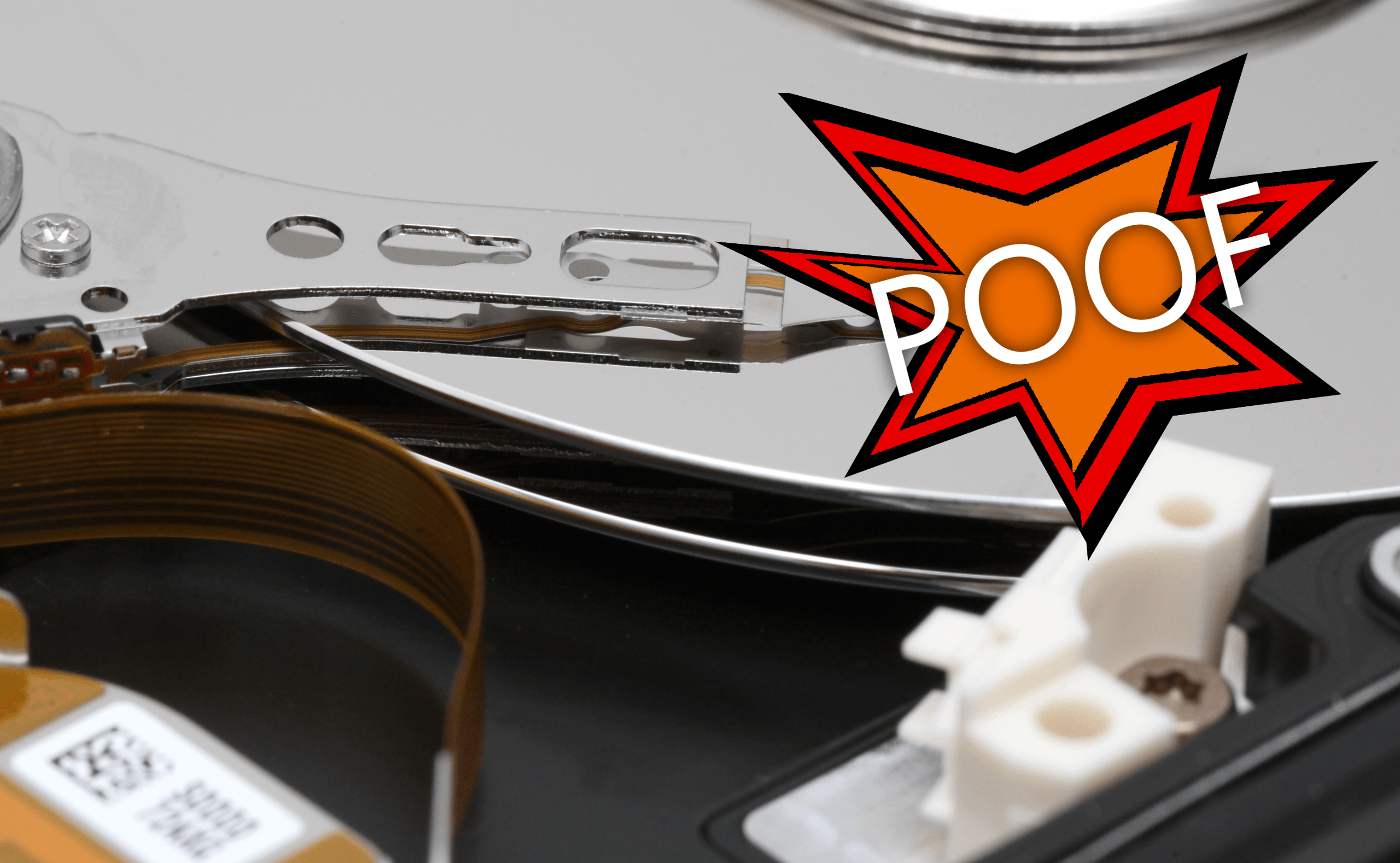
The most frequent hardware failure on any computer is its hard drive, which incidentally stores all of your files.  Unfortunately, many hard drive failures risk the permanent deletion of all of your precious data.  Take today, World Backup Day 2011, to back up these important but often forgotten things.

Image Source: Hard Drive

What should you back up with?

Many of us already use backup software.  However, not everyone does, and some don’t know where to start.  There are multiple options for what to back up with, and then even more options to back up on to.  A good place to start is by syncing all of your backups onto each of your computers, and your mobile phone, using Dropbox.

1. Photos.

What’s more precious than photos? Other than a half-written thesis, photos are one of the most important things you may have on your computer.  Unfortunately, many people don’t back up their photographs, generally due to the pain in doing the initial backup.

Use your time now to save yourself hours in the future: start by either moving them to an external hard drive, or by moving them to your Dropbox folder.

2. Music.

Music is something most of us have.  If you have a large amount of free space in Dropbox, you may want to consider backing up your music.  As most of us don’t download more than one or two albums at a time, this is a largely one-time task that could save you a lot of trouble.  If you’re planning to listen to your backed up music through a program, be sure to re-index the music by re-adding it.  If you’re using a program like iTunes to manage your music, you’ll want to remove the old copies first.

Tip: if you’re running Windows 7, you’ll want to add this folder as the default location in your Music library.  That way when you drag new music onto the Library they’ll go straight to the correct Dropbox folder.

3. Your software keys.

Who ever backs up their software keys? Most people generally use the set-and-forget for their software, which is fine for most things, but when a disaster strikes, your hard-earned money can be flushed down the toilet.

A good place to start with software keys is with your Windows or Microsoft Office serial number.  Other important pieces of software to remember are utilities like TuneUp and Glary, both of which are designed to be out of your way.

4. Your passwords.

How many of your passwords do you really have memorized?  If you’re like me, not as many as you’d hope.  However, you probably also use a password tool that remembers the password for you.  If that is the case, you can simply back up the database. You can do this in Firefox, Keypass, or even just use an online tool like LastPass.

Conclusion

Often forgotten and not often done, backing up is one thing computer users must know how to do. Most, however, do not back up a lot of their crucial files, and most will have a hard drive failure at one point in time. Back up these essential things to make yourself lose less!

What tools do you use to back up? What files do you back up? Share in the comments below!

23 Comments »

  1. BPNelson March 31, 2011 at 6:55 PM (comment permalink) -

    It’s been a while. Glad to have you back, if only for the day.

    1
  2. annie March 31, 2011 at 7:04 PM (comment permalink) -

    Thanks for the article, Locutus, and for the reminder about software keys. Must get around to that, must get around to that….

    2
  3. tuiruru March 31, 2011 at 7:14 PM (comment permalink) -

    Hi
    Something people might want to take a look at as an alternative to Dropbox is box.net (http://www.box.net/). I’ve only just come across it so haven’t really tried it yet, but you can get up to 5gb of storage for free

    3
  4. ZappedSparky March 31, 2011 at 7:22 PM (comment permalink) -

    Software keys? I haven’t backed up any of them, thanks for the reminder I’ll do that right now.

    4
  5. Gibbster March 31, 2011 at 7:29 PM (comment permalink) -
  6. Locutus March 31, 2011 at 9:53 PM (comment permalink) -

    @Gibbster: Oooh, who can argue with a terabyte?! I’m gonna check that out.

    6
  7. Tortuga April 1, 2011 at 12:10 AM (comment permalink) -

    Hi
    Never heard of ‘World Bkup Day’ before!
    Does anyone know how many years has this been going on?
    A great idea nonetheless!!

    Thanks for the reminder about the software keys.
    We use LastPass for pwrds & starting to use Sticky Password also.

    Peace

    7
  8. Col. Panek April 1, 2011 at 4:56 AM (comment permalink) -

    I like GFI backup onto a backup 1T drive. Since it seldom spins up, it should last a long time. I don’t save backup keys for Windows so that if it crashes, I’ll have an excuse for getting rid of it :-) . On that topic, I keep all our data on the Windows partition because Windows can’t read ext4; otherwise I’d have to have 2 backup partitions, 2 backup softwares, and wouldn’t have everything in one place.

    Tunabox sounds great, but in 6 months you know you’ll have to pony up for it. If you’re a cheapskate, you can divvy up your files into music, movies, photos, files, etc. and spread them around all the free backup places a few gigs at a time.

    8
  9. EYELOVE April 1, 2011 at 11:29 AM (comment permalink) -

    Hello,im using for SOFTWARES KEY’S BACKUP…..MY NOTEPAD,,,,,I write down all my keys And passwords in Notepade and then send to my different emails.whenever the disaster struck,my notepad available all the time from my mail.photos and softwares.exe file as well, i send to my mail and also in my USB as well.My be, i wrong for doing like this,im new to computer, thanks

    9
  10. KHamm April 1, 2011 at 12:05 PM (comment permalink) -

    I use e-mail to hold my passwords and keys. My house got flooded and I lost my PC and backup drive, but the CDs still worked and I had all of the passwords and so on online for cut and paste. Barring that, I use Acronis 2011 Home (not too expensive, but not free) and it seems to do a decent job. They also have an online that comes with the package. Haven’t tried it.

    10
  11. Locutus April 1, 2011 at 6:49 PM (comment permalink) -

    @Tortuga: It was first proposed about 8 days ago (the power of the internet!).
    (I like reddit, but refuse to browse any threads newer than a week. It’s a dangerous site.)

    @Col. Panek: And this is why we should all just buy a 1TB hard drive… or just use ultra-cheap Amazon S3:
    http://aws.amazon.com/s3/#pricing

    @EYELOVE: That’s actually a great, redundant system! :D

    11
  12. J. April 1, 2011 at 7:11 PM (comment permalink) -

    Hi guys,I back-up my files to ADrive you get 50gb free storage & no time limit on your account.
    heres the link.
    http://www.adrive.com/

    12
  13. tuiruru April 1, 2011 at 7:33 PM (comment permalink) -

    @J 50GB for free!!?? I’ve just looked at the site. Is there a catch in it?

    13
  14. Locutus April 1, 2011 at 8:47 PM (comment permalink) -

    @tuiruru: A $70/year desktop client is the only catch.

    14
  15. J. April 1, 2011 at 8:51 PM (comment permalink) -

    @tuiruru: yes it’s free for the basic account, theres some some ads you see
    when you sign-in but other then that it works great.

    15
  16. J. April 1, 2011 at 8:53 PM (comment permalink) -

    @Locutus: no it’s free for the basic account!

    16
  17. tuiruru April 1, 2011 at 9:02 PM (comment permalink) -

    @J.: I’ll give it a go tomorrow then – thanks guys

    17
  18. Jyo April 1, 2011 at 9:53 PM (comment permalink) -

    Backup?! What happened to living life on the edge? ; )

    18
  19. Locutus April 1, 2011 at 9:54 PM (comment permalink) -

    @Jyo: Important documents happened. xD

    19
  20. J K April 1, 2011 at 10:14 PM (comment permalink) -

    Hi

    A lot of people do backups of their whole system, but when push comes to shove, they can not for whatever reason restore the backups. Reasoms being a different computer or smaller hdd etc. Test your backup software, don’t take for granted that everything will be OK because the manufacturer says so. I learnt my lesson with about 40Gb worth of company data. Virus screwed my OS and when I wanted to restore my backups, nothing worked properly. 20% into the restore there were image integrity problems etc. Luckily after about a weeks worth of struggle , scanning, installing, copying and pasting, I recovered about 90% of the data.
    Now I backup with paragon backup and recovery free and it works great. Never had a prob, restores perfectly, can make incremental backups. Just great!!!

    20
  21. W. April 6, 2011 at 3:46 PM (comment permalink) -

    image backup meant to be restore to same hardware, so unless you have same/similiar model computer, the restore could end up with no good system, with that in mind, your image better be mountable and you can browse through copy and paste, easy verification and useful without actual restoration.
    Macrium Reflect is one example.

    21
  22. Fred April 9, 2011 at 1:15 PM (comment permalink) -

    You can backup your software keys and licenses and even some keys of giveaways with a software called LicenseCrawler. Freeware, easy to use with optional encryption.
    It may find not all of your keys but should find those of the most known software.

    22
  23. Locutus April 9, 2011 at 9:45 PM (comment permalink) -

    @Fred: Oh wow, looks like a little (to take Giovanni’s words) gem! Time to start and hopefully finish an article on it!

    23

Leave A Response »