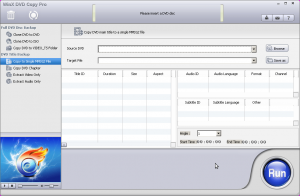
Software Description
If you’ve got DVDs, you surely know that it’s important to back them up–in case they get scratched, lost, or even obsoleted. Says Digiarty about their WinX DVD Copy Pro:
WinX DVD Copy Pro is designed to bring you all-new DVD backup experience. This up-to-date DVD copy software can help you decrypt & backup DVD to DVD disc, DVD to ISO, as well as copy DVD to single MPEG2 file with original video tracks and original surround AC3 audio.
Without the need of packing with any third party DVD decrypter, WinX DVD Copy Pro has unlimited access to all protected DVDs. It faultlessly removes DVD region code, CSS Encryption, UOPs, and even the most complicated Disney X-project DRM. Furthermore, it has the power to copy and recover severely scratched DVDs and support Sony ARccOS bad sector. In a word, WinX DVD Copy Pro is your ultimate all-in-one DVD Copy software.
dotTech Advice
dotTech has never reviewed WinX DVD Copy Pro, but Ashraf has reviewed other WinX DVD software such as WinX DVD Ripper Premium. His overall feeling about WinX’s DVD Ripper was that it was an excellent product and gave it a “two thumbs up and highly recommended”.
Freebie Details
Version being given out for free: v2.0.0
Free updates: unknown
Supported OS: Windows 98+
Download size: 10.5MB
Giveaway time frame: ends 10AM GMT 4/28
Reinstalls: before April 30th
Instructions
After downloading the zip file from Digiarty and The Windows Club’s promotion page, install the program like any other.
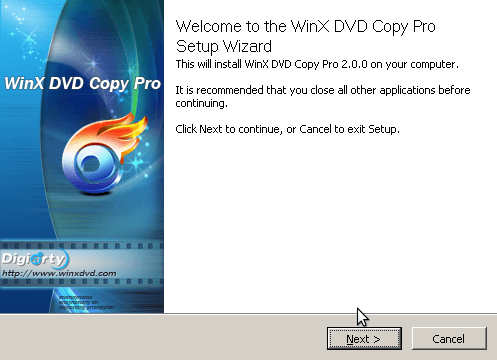
Be sure to uncheck the WinX DVD Author box at the end of the installation:
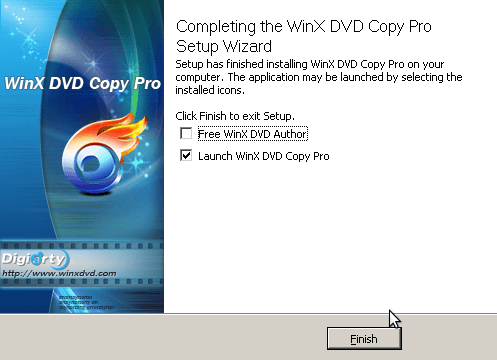
After launching WinX DVD Copy Pro, it will ask you to register with the included license key:
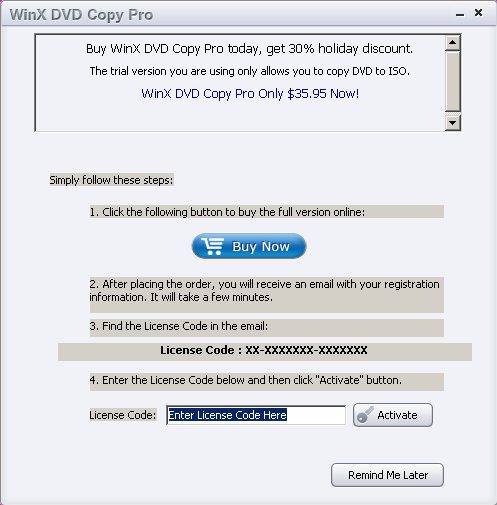
To find this license key, open the included text file.
After registering, the program will start.
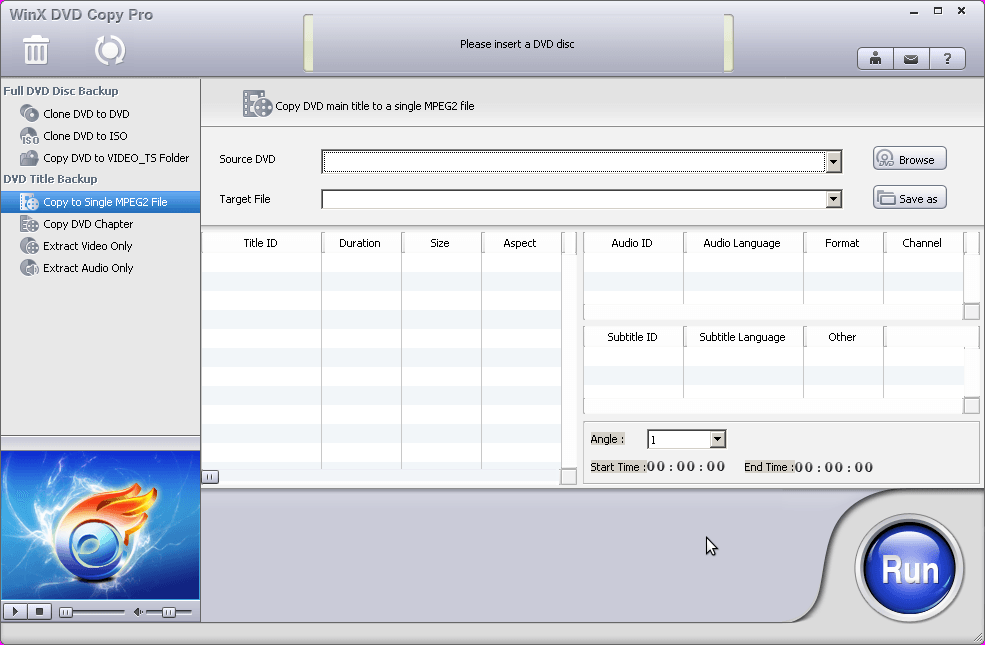
You can now back up and copy your favorite DVDs!
Please note that at the time of publishing this giveaway has not yet started.
[via The Windows Club]
17 Comments »
Leave A Response »


Email article

Jeez, I wrote this? I guess it’s off to sleep now xD
Locutus , Thanks for de program and the info !
Get some ZZZ’s, you earned it mate.
version 2.0.0 – latest one. installs OK. But according to instructions it MUST be installed before April 30
Installs fine. Never did ask for license key. After unchecking the WinX DVD Author box it opened right up and was ready to use. Did that happen to everyone else?
Thank you. Installed no problem. My guess is that if I reinstall my Windows OS in the near future, the software won’t work, given that you must install before April 30th.
Thanks. I got it off giveawayoftheday about 5 days ago. Program kept asking to register it every-time I started. It Registered OK every time but I was sure it would eventually not register. I removed the program today and downloaded it from the link here. Followed instruction here. It did not ask for registration code. It does say it is registered though. Strange it does not ask for license code. Is it really registered?
@Craig:
It happened to me also. I am not sure if it will remain registered.
Thanks for this.
I got the registration box and after I inserted the reg it said it was activated.
@Hatman: @Hatman: On the top right of program you will see an icon of a person. press that and a window will pop up saying that this is a licensed copy.
When I installed the dialog box to enter license code did not show up in task bar and could only be reached by minimizing windows on top. I entered license code and it’s activated/licensed.
Are updates free? Automatic?
Many thanks. Unzipping gave the application and a seperate text document with the registration code.
Thank you……..
If this needs to be reinstalled in the future ( due to new OS or after reformatiing disk) can it be done…or is it a one time install?
This just crashes every time I insert a dvd.
Vista HP SP2
Installed easily, inserted License Key as requested, everything went well. That is, until I tried to copy a dvd. I randomly pulled a dvd from my collection and attempted the Clone DVD to DVD operation. The decoding took about 25-30 minutes to complete. Then I inserted a blank dvd as instructed. The burning process was painfully slow….until it reached 57% of the burn at which time it just stopped. I had to abort the project.
Then I tried burning the decoded movie (ISO file) by using DVD Decrypter. The burn started but completed in about 3 minutes.
I then played that burned dvd in my dvd player only to find that only about half the movie had been burned. Upon inspection of the ISO file, I determined that the file size was 1.50 gigs compared to most movie ISO files which are approximately 4.3 gigs.
I might try another dvd and see what happens, but I don’t like the idea of wasting my dvd’s on incomplete movies.
Crashes (WIN7/64bit) as soon as I try to copy a DVD to VIDEO_TS folder
Hi Locutus, Ashraf ? and everyone,
Today Mon 9th May 2011 I installed the latest version 2.2.0.0 over the top of this one v2.0.0.0 and it picked up the license no problem at all