
 Email article
Paragon Hard Disk Manager is an excellent hard drive manager tool. With Paragon you can create full backups of your hard drives, copy your hard drive, create partitions, delete partitions, move partitions, merge partitions, defrag etc. – the list goes on:
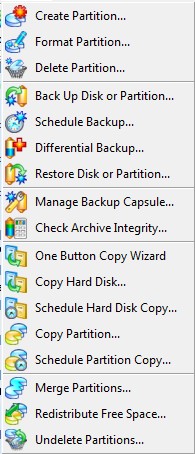
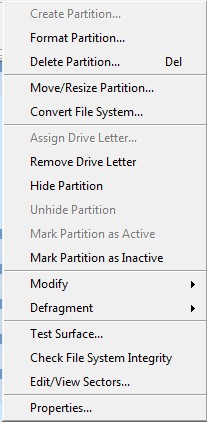
In addition to the features shown above, you can create a boot/recovery disk which you can use in case you are ever unable to boot into Windows.
Paragon Hard Disk Manager 8.5 SE supports the following file systems/formats:

Overall my favorite feature of Paragon Hard Disk Manager is the ability to view/create ext2/3 partitions in Windows!
This is what Paragon Hark Disk Manager 8.5 SE program window looks like:
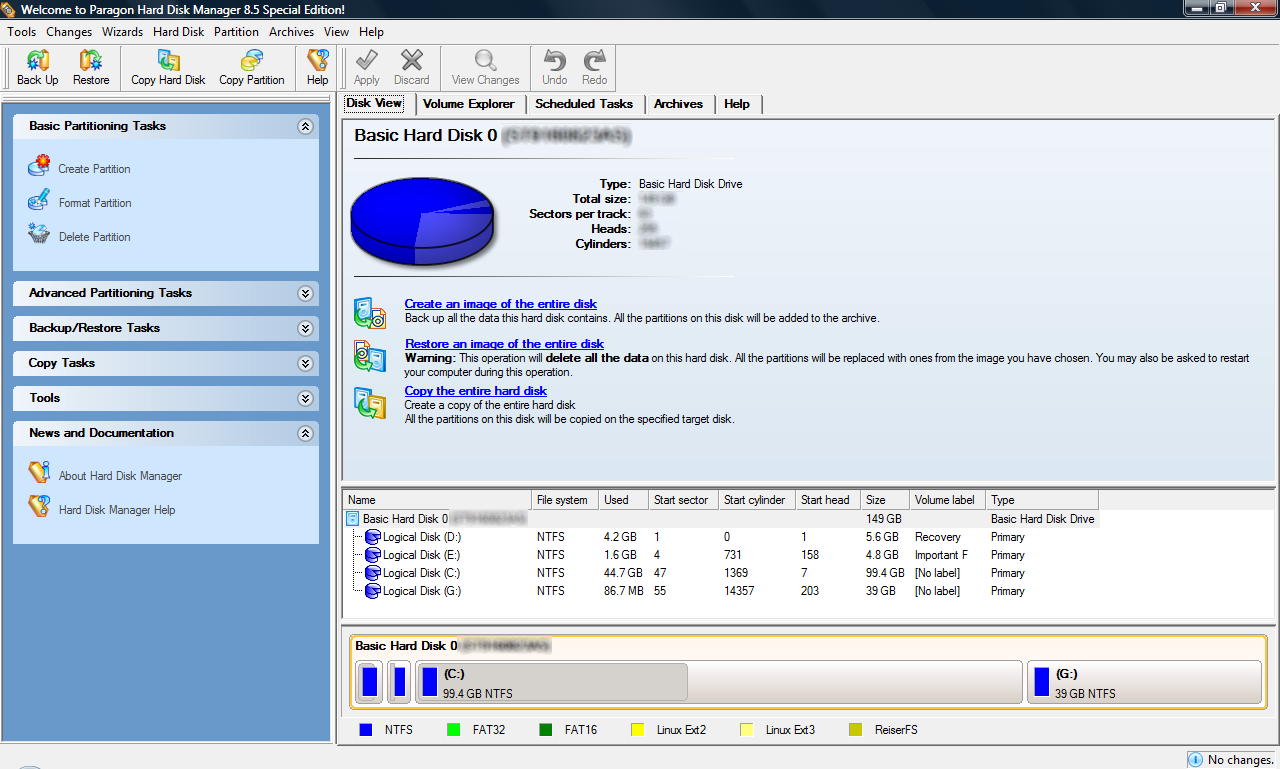
Paragon Hard Disk Manager 8.5 SE works with Windows 98/ME, NT, 2000, XP, and Vista. 32-bit and 64-bit is supported for all Windows except Vista: Vista support is limited to 32-bit only as far as I know but Vista x64 users should double check on that.
Bottom line: Paragon is recommended.
How to get Paragon Hard Disk Manager 8.5 SE?
- Visit the promotion page and register:
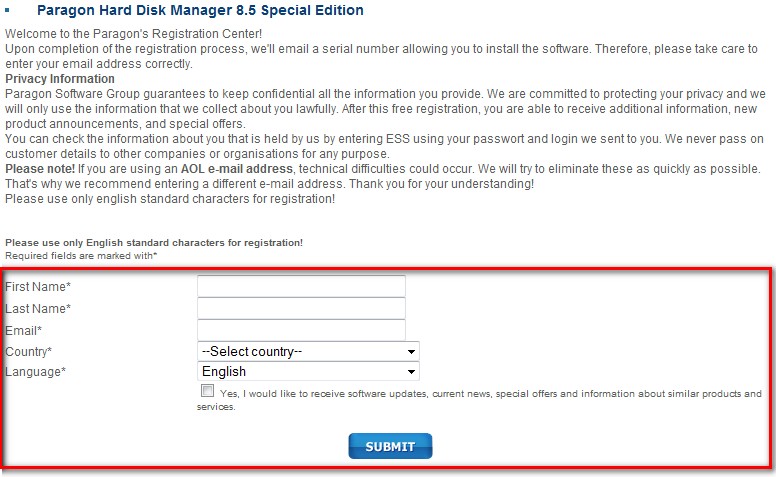
- Download Paragon Hard Disk Manager 8.5 SE:

- Install Paragon Hard Disk Manager 8.5 SE. During installation you will be prompted with a screen where you must enter product key and serial number:
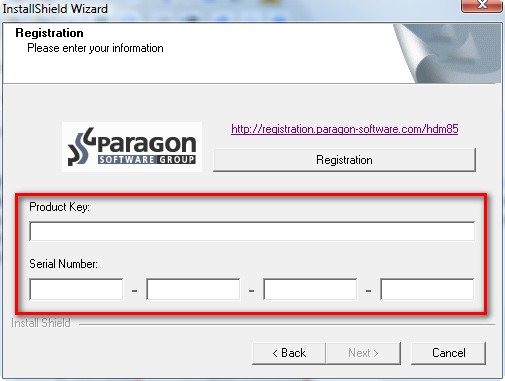
Go check the inbox of the email you used to register with Paragon earlier. You should have an email from “eservice@paragon-software.com” with subject of “The letter from Paragon Software”. Within the email there should be a “PRODUCT KEY / USER NAME” and “SERIAL NUMBER”:
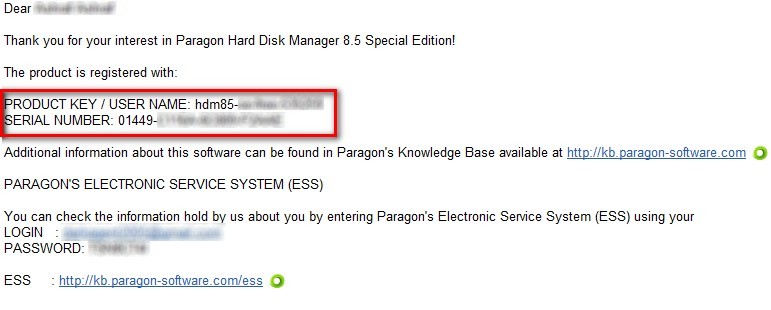
Copy and paste each into their respective areas at the installation window.
- Finish installing Paragon Hard Disk Manager 8.5 SE.
- Enjoy.
If you have any problems or concerns, please post below.
