
 Email article
 Software Description
The following is a description of InPaint, as per the developer:
Inpaint Overview
Do you have a photo that would look just right if you could only remove one or more objects or persons from your composition? For example, look at the following two pictures. The original on the left features a large building in the foreground that dominates the scene while also blocking an uninterrupted view of the horizon. If we could somehow remove this, it would open up the entire view. You can see what we mean in the picture on the right. With the building gone, we can really appreciate the full beauty of this landscape. Well, now you can remove just about any unwanted object or person using Inpaint.
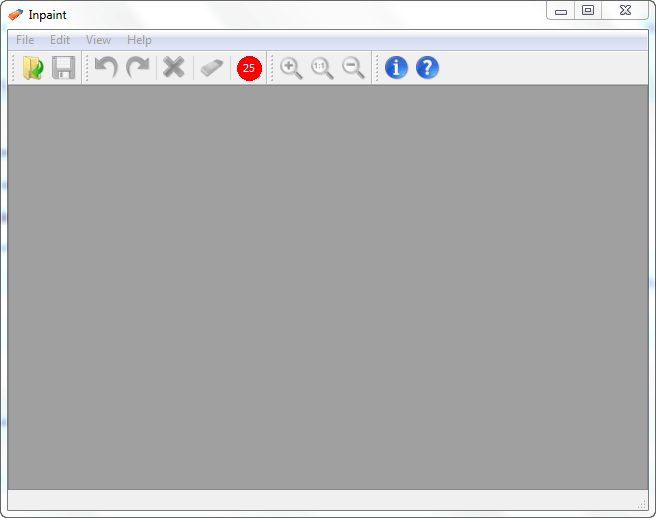
inpaint screenshotTop Reasons to use Inpaint
- Repair old photos
- Remove watermarks
- Remove unwanted objects
- Digital Facial retouching
- Remove date stamps
- Easy to get started
dotTech Advice
dotTech reviewed InPaint (v3.0) back in back in January 2011. The final verdict of that review describes how I feel about the program:
InPaint is a good program. The performance will vary depending on the image being processed and how you handle the selection and processing, but InPaint is simple enough for novices and yet still handy for a quick touch up by a professional; it works quickly and does a good job, for the most part. […]
I highly recommend InPaint.
Freebie Details
InPaint is being offered for free in a promotion by WinLoad.de. There is no information if you can install/reinstall at a later date (I believe you can, though) nor is there information on how long this promotion will last (the promotion page says “only a short time”).
This promotion is a German promotion but the program is in English.
To get InPaint for free, follow these simple directions:
Version being given out for free: v3.1
Free updates: No
Free technical support: Unknown
Supported OS: Windows 2000 and higher
Download size: 2.9 MB
- Visit the Loadstreet registration page and fill out the form:

Once you fill out the form, hit Absenden.
If you do it properly, you should see a confirmation message like the following:
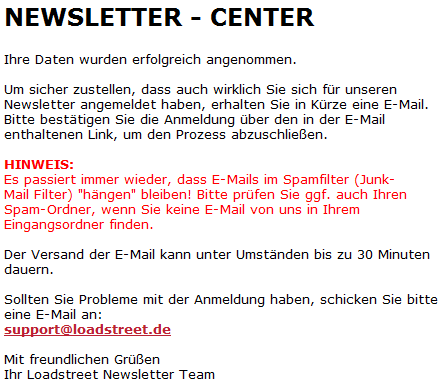
- Check the inbox of the e-mail address you registered with. Look for an e-mail from LOADSTREET.de info@news.loadstreet.eu with the subject of Newsletter Anmelde-Bestätigung für InPaint 3 Aktion. In the e-mail there will be a confirmation link you need to follow:
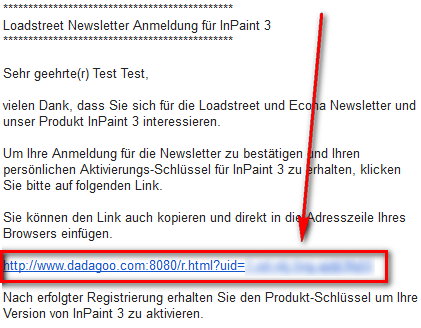
Click on the link, or copy + paste it in your web browser.
- At the confirmation page you will be given your registration key:
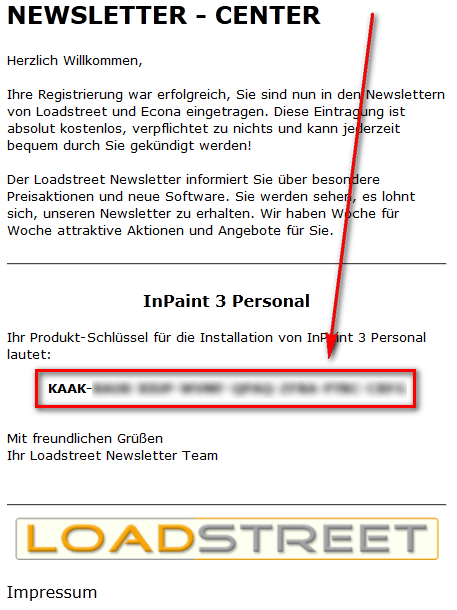
Copy this registration key because you will need it very soon.
- Download and install InPaint. (This installer and program are in English.)
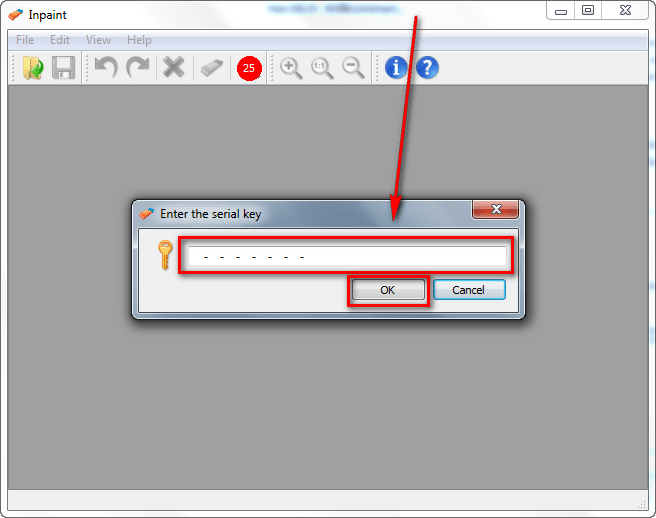
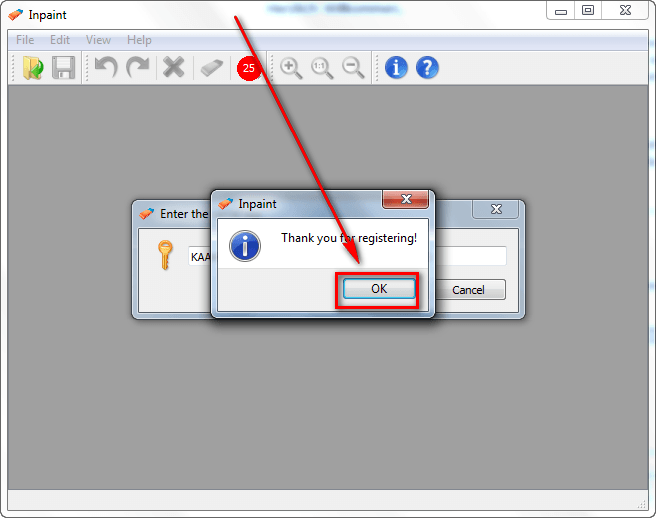
- After installation, run InPaint and register it with the registration key you received by going to Help -> Enter the serial key:

- Enjoy!
If you have trouble getting InPaint (v3.1) for free, post below and other dotTechies or I will try to help.
[via TipRadar]
