
 Email article
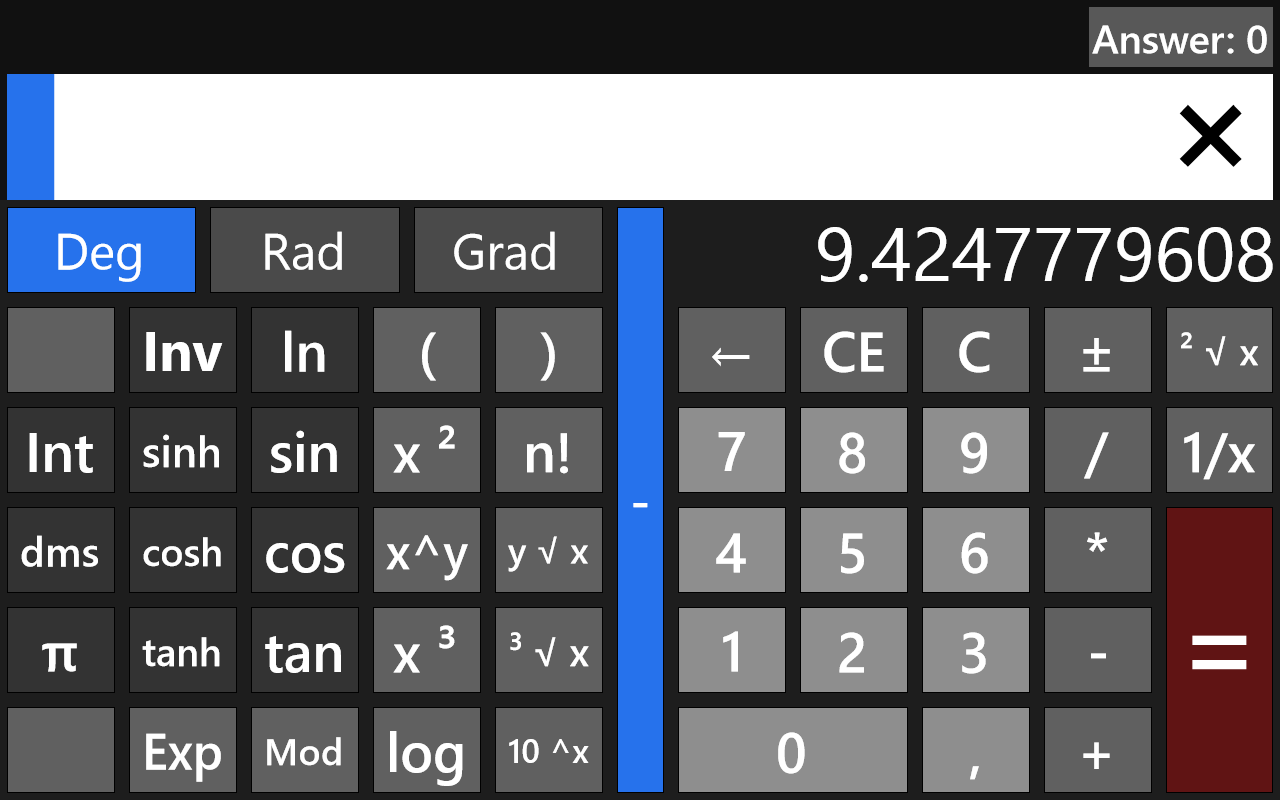 Are you looking for a functional calculator app for your Windows 8 PC or tablet? Calc4Win supports the standard four-button calculator features, plus the standard set of scientific calculator features.
Calc4Win is easy enough to use. You just tap out the things you need to calculate, hit the big red button, and are instantly shown your answer. To be honest, it’s a little silly having buttons that measure inches across. It’s even sillier when you collapse it into four-button calculator mode, where each button is three times wider than it is tall. However, it’s still quite a useful app.
Overall, Calc4Win is a nice enough calculator app. It doesn’t have any graphing capabilities, and could use a little graphical design work. It’s still good for anyone who needs to do some quick calculations, though, and is entirely free for all to use.
Price: Free!
Last updated: unknown
Supported OS: Windows 8
Supported processors: x86/x64/ARM
Download size: 180KB




