Start screen »
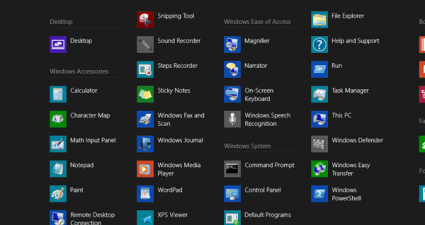
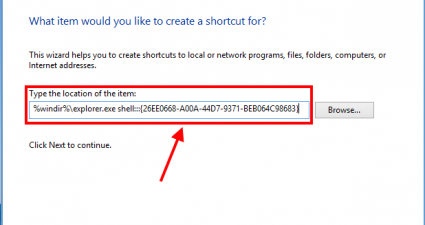
[Windows 8] How to add a Control Panel shortcut or tile to the Start screen
By creating the Start screen, Microsoft wants it to become the place where you to go start everything. However, this is kind of hard with Control Panel because it has no tile on the Start screen. As you already known, there are other ways to open Control Panel in Windows [...]
Read More »Microsoft: It can take up to 2 weeks to understand Windows 8

When Windows 8 first released, many problems with it stemmed from the simple fact that people were just not used to it. It’s hard to blame them when so much has changed. Even usability experts agree that it’s a mess. But according to data that Microsoft has been automatically collecting, [...]
Read More »[Windows 8] How to add (or remove) rows of icons on Start screen
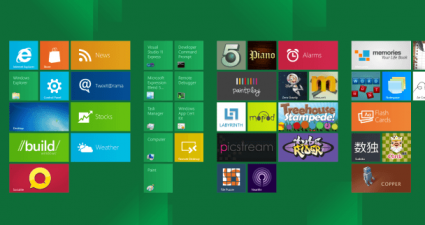
Start screen in Windows 8 is not only the brand new thing to focus on touch users, but it also confuses tradition users who use Windows with mouse and keyboard. However, it is the place that provides tons of information from everywhere by everyone at every time by using Live [...]
Read More »[Windows 8] How to change size of tiles, turn off live tiles, remove tiles, rearrange tiles, and group tiles on the Start screen
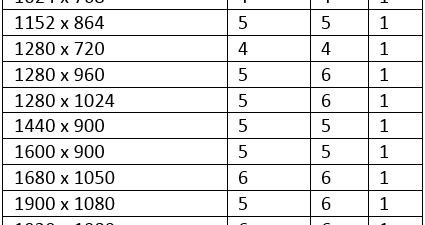
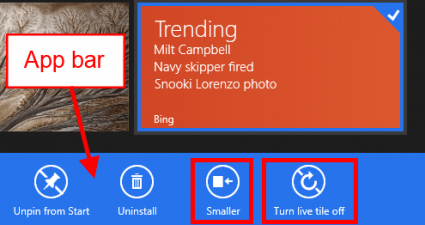
Windows 8 comes with the new Start screen which is designed for best use with touch screen. How about desktop users? If you’re having a mouse and still confuse in how to use Start screen effectively, this article will show you some tips to master it. You can actually even [...]
Read More »


![[Windows 8] How to add a Control Panel shortcut or tile to the Start screen](http://cdn.dottech.org/media/2013/01/0118-1-290x160.png)
![[Windows 8] How to add (or remove) rows of icons on Start screen](http://cdn.dottech.org/media/2012/12/1212-5-290x160.png)
![[Windows 8] How to change size of tiles, turn off live tiles, remove tiles, rearrange tiles, and group tiles on the Start screen](http://cdn.dottech.org/media/2012/11/115-1.7-290x160.png)