Windows Store »
[Windows 8] How to view how much hard space each installed Windows Store app uses
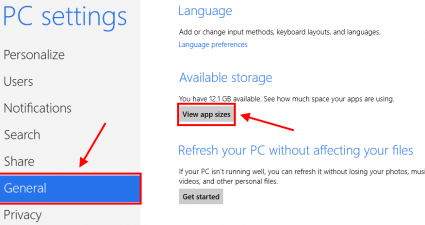
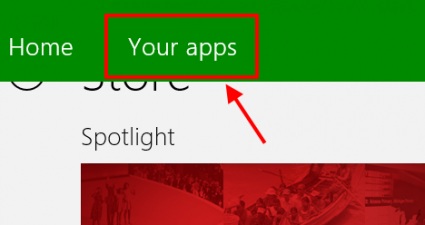
Pre Windows 8, you can manage installed programs from Control Panel (Add/Remove Programs). From here, you can also view how much hard drive space a specific program uses. In Windows 8, this still works… but it only works for non-Windows Store programs. That means you cannot see how large your [...]
Read More »[Windows 8] How to reinstall Windows Store apps that you uninstalled
As you probably already know, there are two types of apps in Windows 8 – desktop apps (traditional software) and Windows Store apps. To help users become accustomed with Windows Store apps, Windows 8 PCs and tablets come with dozens of preinstalled apps. For example, you may notice many Bing [...]
Read More »[Windows 8] How to install Windows Store apps in custom folder (and how to move already installed apps to custom folder)
In Windows 8, there are two types of applications – desktop apps and Windows Store apps (aka Metro/Modern UI apps). As you already know from previous versions of Windows, programs are installed in “C:\Program Files”. Windows Store apps, however, are stored in a subfolder — in “C:\Program Files\WindowsApps”. If you [...]
Read More »[Windows 8] How to sync apps across devices and how to turn off Windows Store
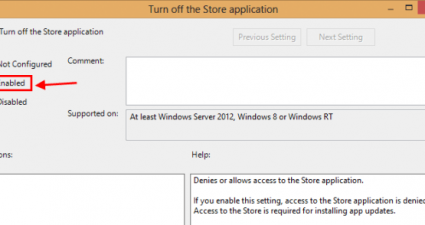
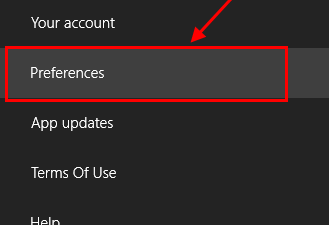
Being a system app store, Windows Store provides users many flexible way to get their apps. Additionally, the most powerful function of Windows Store is that a user can share installed apps across their Windows 8 devices. That means you just need to purchase an app one time then you [...]
Read More »[Windows 8] How to turn off localization in Windows Store
Windows Store app is the big new thing in Windows’ history. For the first time, Windows has programs that are optimized for touch-screen device. Works like other mobile app stores, Windows Store has many options to help developers get highest profit as they can. One of them is the ability [...]
Read More »[Windows 8] How to open Windows Store apps from the desktop or taskbar
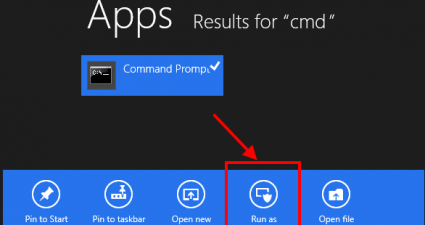
In Windows 8, you can only open a Windows Store app from Start screen. As I work mostly in Windows 8′s traditional desktop environment, I really needed a way to open Windows Store apps from the desktop instead of having to go to Start screen to launch them. I found [...]
Read More »[Windows 8] How to manually update apps you download from Windows Store
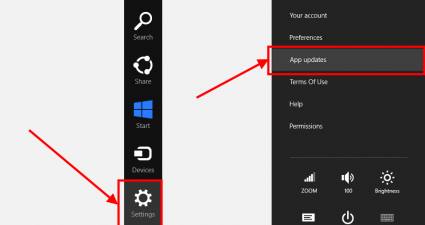
Windows Store is the place where you can find thousands of apps for Windows 8. Aside from downloading apps, one of the other functions performed by Windows Store is it also looks for updates for your installed apps. Windows Store, of course, has the ability to automatically update apps but [...]
Read More »Windows Store now accepts app submissions from individuals (not just companies)

With the launch of Windows 8 fast approaching (come on, October 26th!), Microsoft has made an interesting decision about the Windows Store. The corporation has opened up the submission ability to include individuals unconnected to Microsoft itself. Before this semi-surprising change, only people with company accounts with Microsoft were able [...]
Read More »Windows 8 Store details revealed: Apps priced between $1.49-$999.99, Microsoft takes 20-30% cut

In the ‘Post-PC era’ an app store is a given on any platform that wants to succeed. So it isn’t very surprising that Windows 8 will have its own ‘Windows Store‘ which will feature Windows software. To date, however, there haven’t been very much details on exactly how Windows Store [...]
Read More »


![[Windows 8] How to view how much hard space each installed Windows Store app uses](http://cdn.dottech.org/media/2013/01/0131-2-290x160.png)
![[Windows 8] How to reinstall Windows Store apps that you uninstalled](http://cdn.dottech.org/media/2013/01/0128-11-290x160.png)
![[Windows 8] How to install Windows Store apps in custom folder (and how to move already installed apps to custom folder)](http://cdn.dottech.org/media/2013/01/1122-1.2-290x160.png)
![[Windows 8] How to sync apps across devices and how to turn off Windows Store](http://cdn.dottech.org/media/2012/12/1227-2-620x2941-290x160.png)
![[Windows 8] How to turn off localization in Windows Store](http://cdn.dottech.org/media/2012/12/1226-1-290x160.png)
![[Windows 8] How to open Windows Store apps from the desktop or taskbar](http://cdn.dottech.org/media/2012/11/1117-1.3-290x160.png)
![[Windows 8] How to manually update apps you download from Windows Store](http://cdn.dottech.org/media/2012/11/118-1.1-290x160.png)