
 Email article
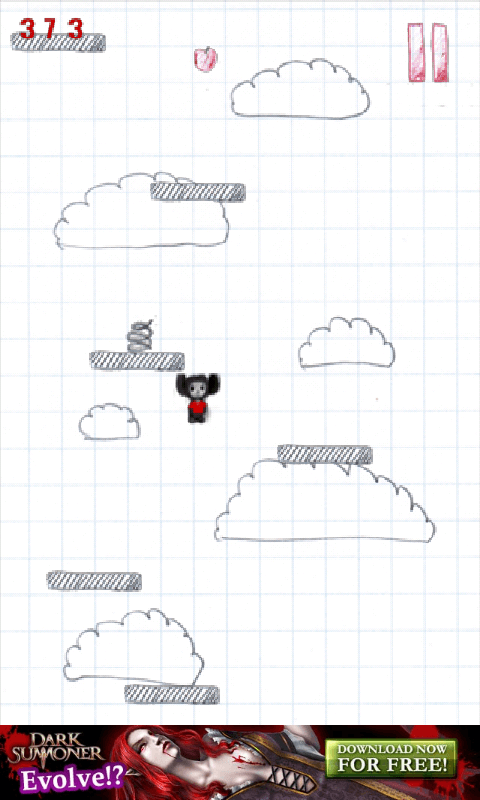 If you’ve played most of the popular Android games, you’ve probably played Doodle Jump, the game where you must get the Doodler as high as possible while avoiding evil monsters, black holes, and the like, and using various devices to get you as high as possible. Hiigher is like that, but free, and level-based instead of one long screen.
In Hiigher, you play as Claude, the apple-loving protagonist bear. You work your way up the level, avoiding monsters and bouncing off of platforms. You should also collect apples to increase your high score, and at the top of the level, you must bounce on the apple crate. The free version has ads, but the full version is entirely ad free and comes with better graphics and … less ads.
Then there’s the music. The music included in this game is so… beautiful. I love it to bits! … In reality, it’s even featured in the app’s description for being annoying. It’s a 15-second MIDI loop of a few random intervals that resolve with a repeating note.
Overall, Hiigher is alright. It’s missing interesting/good graphics, however, and the landing on the crate looks a little odd. The music, too, is very much less than par, and it’s overall definitely a v1.0 release. However, it looks interesting, and I look forward to any 2.0 release!
Price: Free with $1.01 full version
 Version discovered: v1.0.2
Requires: Android 2.1+
Download size: 1.3MB




