
 Email article
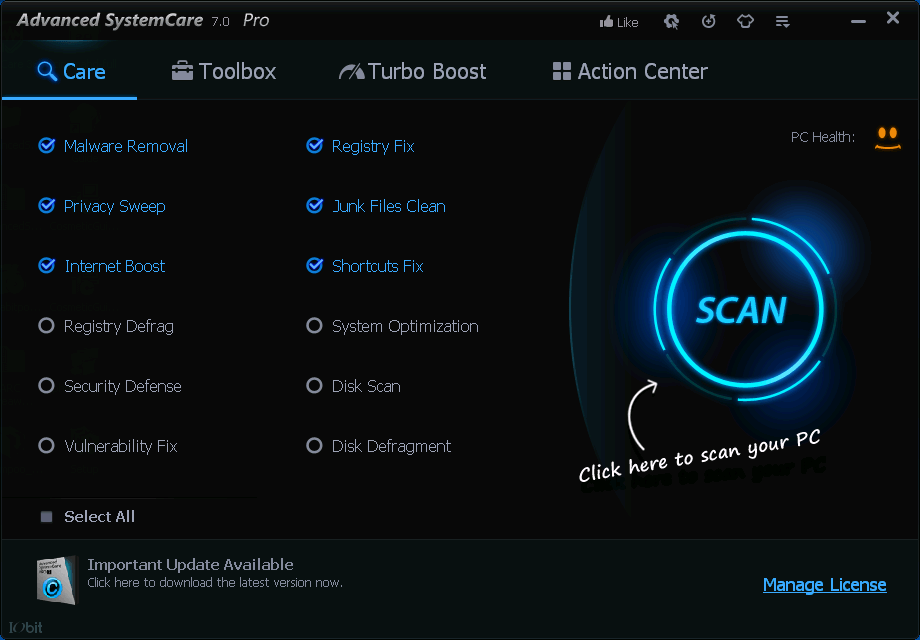 Having an system optimization tool that provides more than one service can be very useful in optimizing your system. While there are a number of professional software available that can perform the task very well, Advanced SystemCare can perform some of the most common optimization functions for free… and perform them well.
WHAT IS IT AND WHAT DOES IT DO
Main Functionality
Advanced SystemCare is an optimization and cleaning software that can perform a large number of functions to clean and optimize your system.
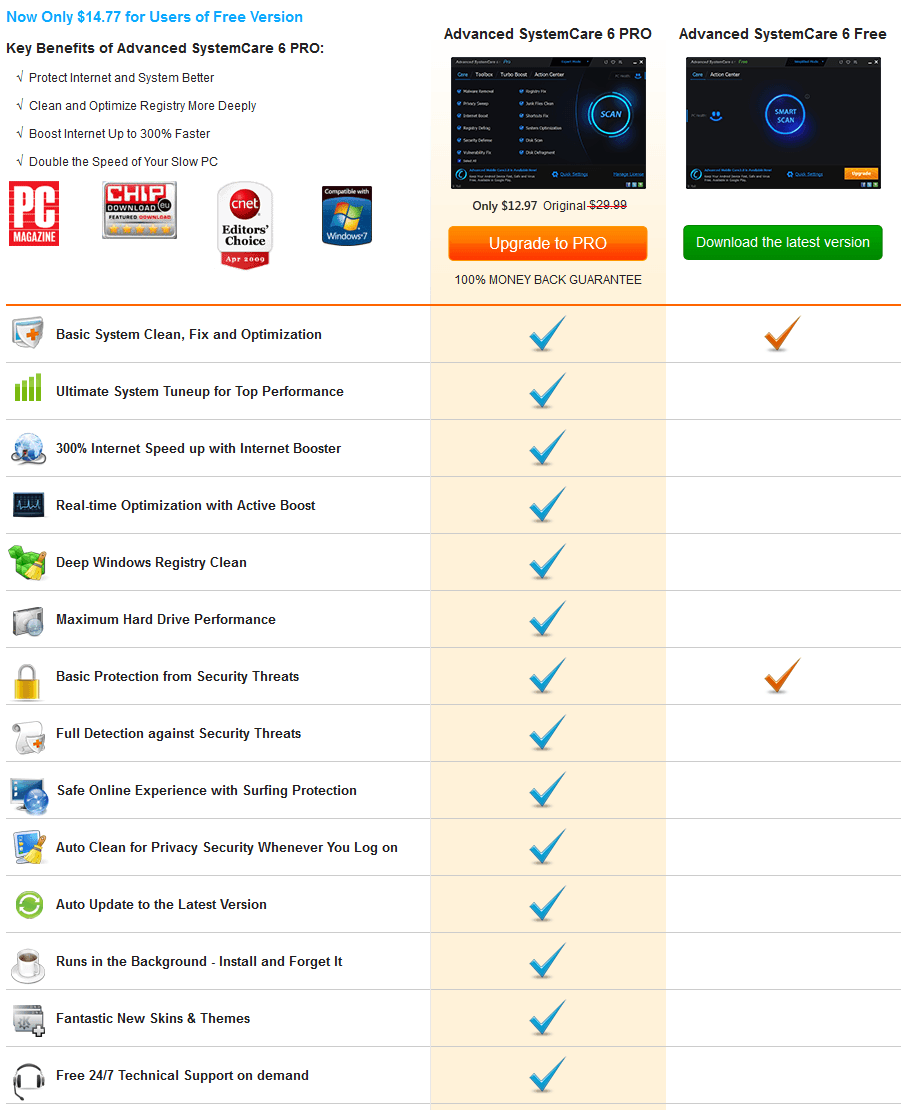
Take note Advanced SystemCare comes in two versions — Free and Pro. The following chart lists out the difference between Free and Pro:
Pros
 Has multiple different tools to clean and optimize your system, including junk file cleaner, privacy cleaner, register cleaner, disk defrag, registry defrag, and malware remover
- Privacy cleaner supports the four major browsers, Chrome, Firefox, Internet Explorer, and Opera
- Privacy cleaner can normally clean or clean securely using DoD 5220.22-M
- Creates automatic backups to allow you to undo changes you make
- Performance Monitor allows you to track system performance in real time and fix any problems faster
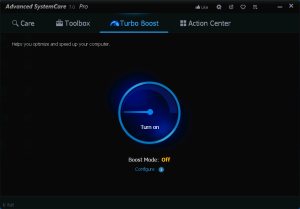 Turbo Boost can speed up your system to improve either your work or gaming experience
- Scans your system for presence of malware threats
- Fairly fast
- Can generate a portable version of the program
Cons
- Some tools shown in Advanced SystemCare are actually other IObit programs you must download separately, like IObit Smart Defrag, IObit Uninstaller, IObit Malware Fighter, IObit Unlocker, IObit Game Booster
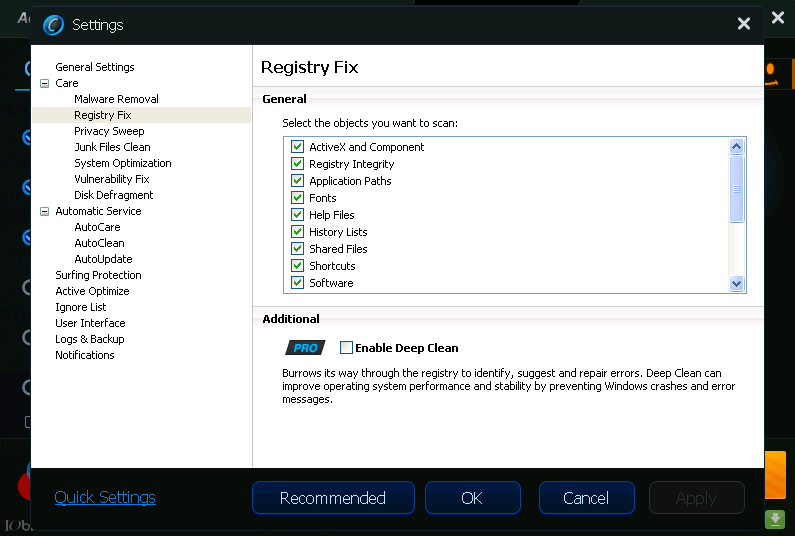
- Some features are only available in the paid Pro version: Surfing Protection, Internet Booster, “Deep Clean”, “Full Detection” for malware cleaner, AutoCare, AutoClean, AutoUpdate, and Active Optimizer
- Large number of tools may be initially confusing to new users
- Malware scanner isn’t as effective as mainstream products
- Comes bundled with IObit Apps Toolbar — be sure to “Decline” during installation to avoid
Discussion
Advanced SystemCare is a very useful tool for improving the performance of your system. The program comes as a package of a large number of tools that can scan for malware, defragment your hard drive, defragment the registry, clean junk files, delete privacy traces, and more.
When you first download the program, the large number of options and tools may prove confusing but don’t be overwhelmed. To start with, you can take advantage of the Simplified Mode by starting the initial scan. The Smart Scan option in the Simplified Mode provides basic scanning functions such as malware removal, fix registry errors, delete browser history, delete junk files, and provide a small boost to your internet connection.
 The Expert Mode is more useful for those who have more knowledge about computers. In this mode the interface is divided into three options:
- The Care option performs the same Smart Scan as in the Simplified Mode but with some additional functions such as Vulnerability Fix, System Optimization, Disk Scan, and Disk Defragment.
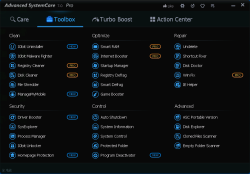
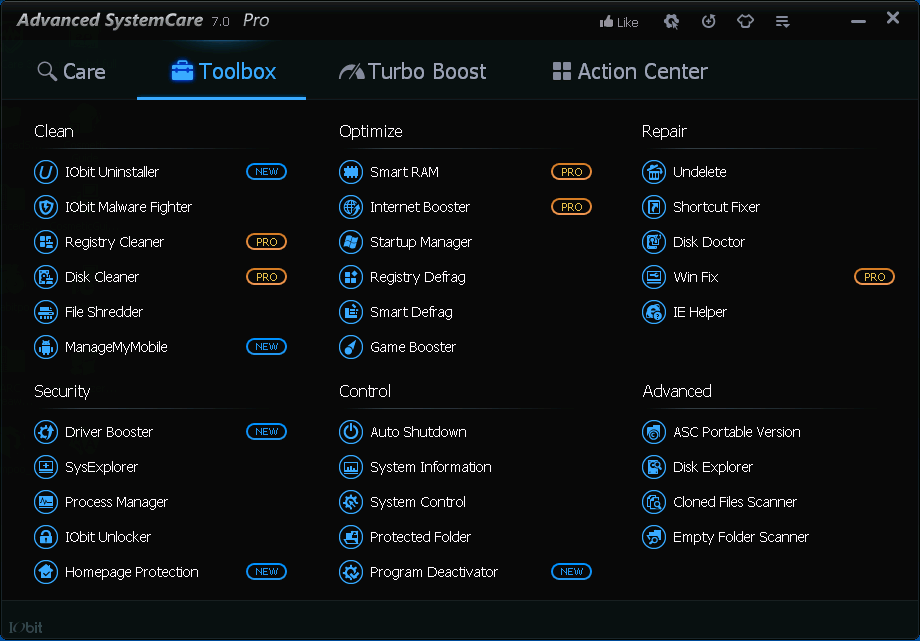
- The Toolbox tab provides access to a large number of tools that can be used to tune up your system. You can also create a portable version of Advanced SystemCare by clicking on the ASC Portable Version tool.
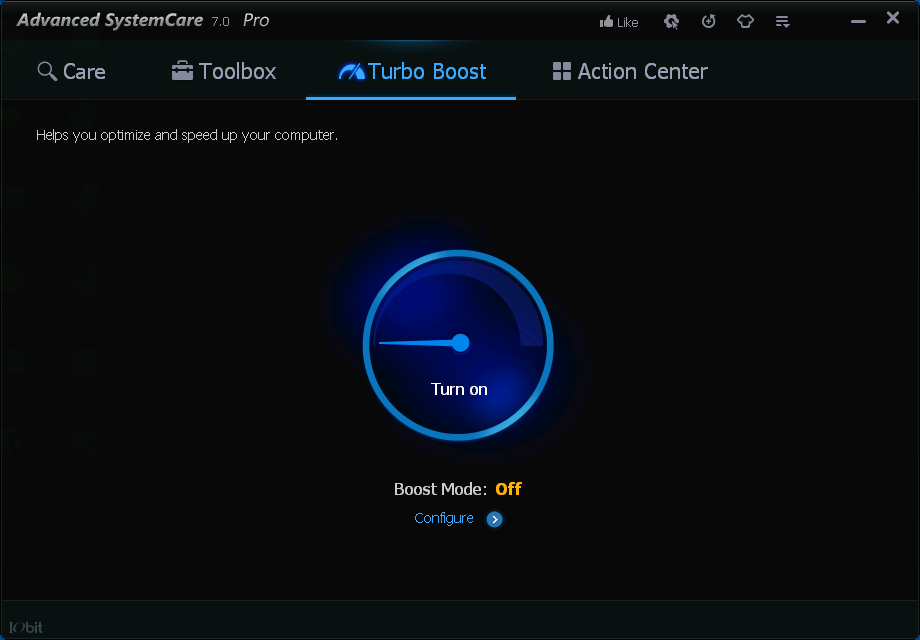
- The Turbo Boost tab allows you to optimize your system depending on what you want to do. The Work Mode speeds up the system by turning off unnecessary services and applications while the Game Mode can be used to close down those services which you do not need to play games. You can choose which of the System, Non-Windows, and Background applications you want the program to close and thus free up additional memory to improve the system performance.
That said, I want to provide some commentary on Advanced SystemCare.
Advanced SystemCare has always had a Free and Pro version. While there have always been feature differences between Free and Pro and IObit has never really need very open about the differences, it was fairly easy to use Free/Pro. Now, however, Advanced SystemCare is so bloody convoluted. Not only is it near impossible to tell the difference between Free and Pro, but the program seemingly contradicts itself as to what features are only available in Pro (e.g. in Toolbox tab it says Registry Cleaner and Internet Booster are for Pro only but in Care tab both features are enabled in Free version). Not only that but it seems like half of the functionality shown in the Toolbox tab of Advanced SystemCare is not actually available in Advanced SystemCare — you have to download other IObit programs to get it.
I’m not saying Advanced SystemCare is a bad program. I’m saying it is bloody confusing as hell, especially if you get the Free version.
Conclusion and Download Link
Advanced SystemCare may be confusing, but it is an excellent tool that provides you with a number of functions that can optimize and clean your system. And, generally speaking, it works well. With a Free version, it is hard not to recommend; if you want some more “umph” you can upgrade to the Pro version.
If you don’t like Advanced SystemCare, there are plenty of alternatives to pick from: CCleaner, Wise Care 365 Free, Toolwiz Care, Glary Utilities, WinUtilities Free, Puran Utilities, and much more.
Price: Free, $15 Pro version
Version Reviewed: v7.1.0
Supported OS: Windows XP/Vista/7
Download Size: 20.4MB
VirusTotal Malware Scan Results: 0/44
Portability: Yes, you can create portable version after installing it




