dotTech

  • /Home
  • /Giveaways
  • /Reviews
  • /Tips & Tricks
  • /Downloads
POPULAR ➞ Download Paid Software For Free!
Tip / Trick
By MatthewA - October 7, 2014

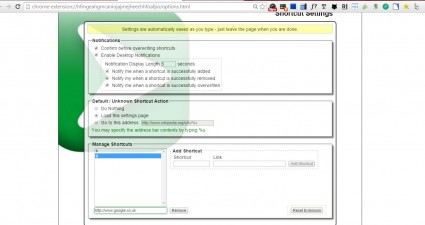
How to set up URL shortcuts in Chrome [Tip]

Whilst you can add website pages to your bookmarks, there are other ways to set up shortcuts to websites. You can set up customizable website URL (Universal Resource Locator) shortcuts so that you need not enter the full website U...

Read More
Tip / Trick
By Kent - October 7, 2014

How to start Google Voice Search from any site in Chrome [Tip]

In Android, there’s an option that lets you start Google Now from any screen. However, things are a little bit different when you’re on your Chrome web browser. In order for you to search by voice, you need to go to the Google.com...

Read More
Tip / Trick
By Kent - October 7, 2014

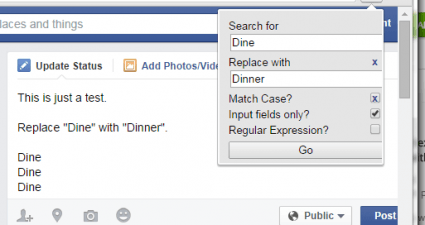
How to add find and replace tool in Chrome [Tip]

By default, Chrome has a “Find” tool that you can use to search for specific words or phrases in text fields, text editors and web pages. However, it lacks a “Replace” tool so you can’t automatically replace the word or words that...

Read More
Tip / Trick
By Zicheng Ren - October 6, 2014

12 ways how to know if your computer has a virus [Guide]

You have probably heard of people’s computers getting infected with viruses or malware.  You may have even had this happen to your own computer.  Just like with a person, a virus infects software on your computer and causes it to ...

Read More
Tip / Trick
By MatthewA - October 6, 2014

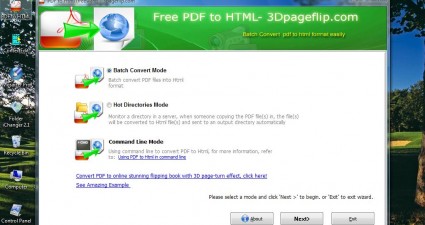
How to convert PDF documents to HTML in Windows [Tip]

There are various software packages that convert PDF documents to alternative formats. This article covered how to convert PDFs to image files. DocuFreezer doesn’t have any options for converting PDFs to HTML documents, but ...

Read More
Tip / Trick
By MatthewA - October 6, 2014

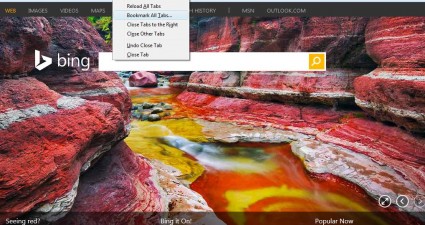
How to bookmark multiple page tabs in Firefox [Tip]

The Firefox browser no longer has a Bookmark All Tabs option that bookmarks all the open page tabs. That was a handy option for bookmarking multiple pages. Nevertheless, we can still add that option to the latest versions of Firef...

Read More
Tip / Trick
By Kent - October 6, 2014

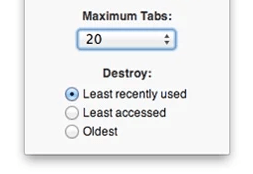
How to set maximum number of open tabs in Chrome [Tip]

What happens when you get to open too many tabs in Chrome? Well, apart from the fact that you won’t be able to accurately identify each tab, there’s also a high possibility for your browser to slow down, freeze or crash. To preven...

Read More
Tip / Trick
By Kent - October 6, 2014

How to hide YouTube comments in Chrome [Tip]

Have you ever stumbled upon a YouTube video that’s filled with nothing but hateful comments? So instead of enjoying the video’s actual content, you can’t help but scroll down and read the comments. This can be quite distracting an...

Read More
Tip / Trick
By MatthewA - October 3, 2014

How to swap file and folder titles in Windows [Tip]

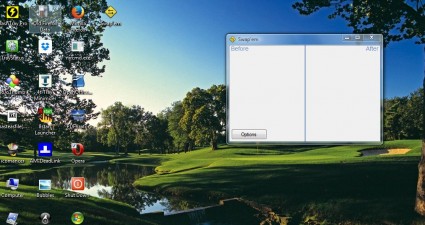
If you rename a file to one that matches another, a message pops up that says the file title is already taken. So why not swap the titles? You can do just that with the Swap’em utility. Swap’em is a portable tool that ...

Read More
Tip / Trick
By MatthewA - October 3, 2014

How to reassign (change) keyboard keys in Windows [Tip]

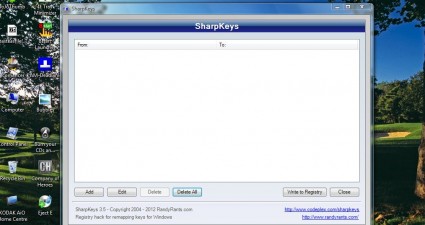
By remapping keyboard keys we can switch them around. For example, you can switch the Num Lock key to activate Caps Lock. Alternatively, we can also switch keyboard keys off. To remap the keys, add the SharpKeys utility to Windows...

Read More
Tip / Trick
By MatthewA - October 3, 2014

How to optimize Windows for gaming [Tip]

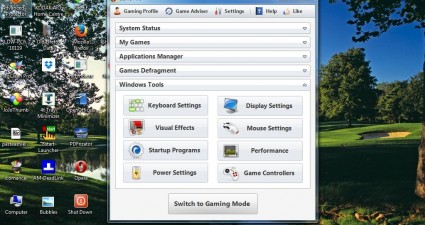
Windows games usually have higher system requirements than most software packages. With their 3D graphic engines the latest games might not run so well on desktops or laptops that don’t have the best hardware. However, by fr...

Read More
Review
By Kent - October 3, 2014

[Android] Remind yourself to drink water regularly with Hydro Coach

Just like plants, humans cannot properly function without adequate fluid intake. Therefore, you need to make sure that you’re drinking enough fluids especially water. Speaking of which, not everyone has successfully developed a ha...

Read More
Tip / Trick
By MatthewA - October 3, 2014

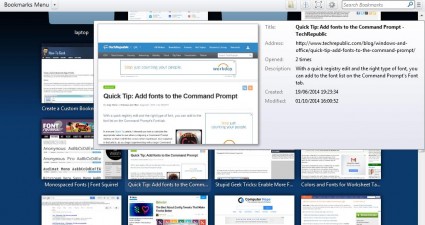
How to display bookmarks as thumbnails in Firefox [Tip]

There already are thumbnails on Firefox’s New Tab page that show snapshots of website pages. They show you what the shortcut will open, but as of yet the Firefox’s bookmarks do not have thumbnails. Nevertheless, we can...

Read More
Tip / Trick
By Kent - October 3, 2014

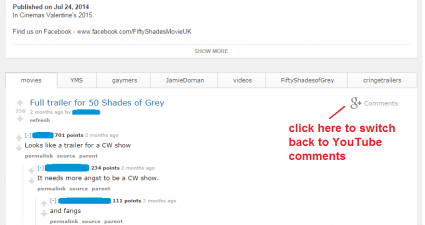
How to replace YouTube comments with Reddit comments in Chrome [Tip]

In Reddit, you can talk about anything. You can ask for ideas, suggestions and even practical day-to-day advices. It’s also a place wherein you’re free to talk about various things that sparks your interest. You’re even free to sh...

Read More
Tip / Trick
By Kent - October 3, 2014

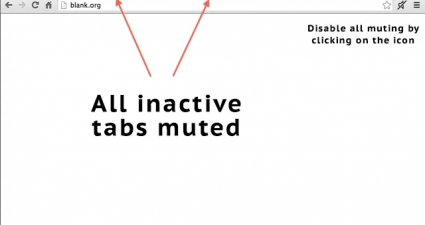
How to automatically mute inactive tabs in Chrome [Tip]

Let’s just say that you’ve opened two or more tabs in one window in Chrome. In one of your tabs, you’ve opened a video on YouTube while you also have the web version of Spotify on the other. Now, on your third tab, you’ve opened a...

Read More
Tip / Trick
By MatthewA - October 3, 2014

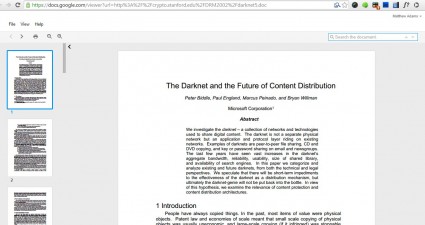
How to open Docs and PowerPoint documents in Chrome [Tip]

When you find common document files on the Web you must usually download and open them in separate applications. You can open PDF documents with Google Chrome, but not other formats such as docs, xls, otf, etc. However, with the D...

Read More
Tip / Trick
By MatthewA - October 3, 2014

How to add a bookmark infographic in Chrome [Tip]

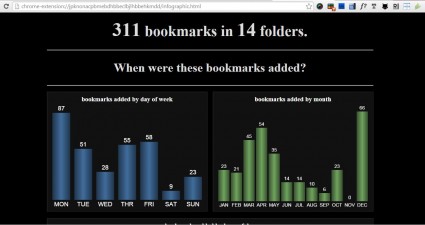
As you add more pages to your bookmarks they might get a little disorganized. To organize your bookmarks, an infographic-style visual report might come in handy. You can add exactly that to Google Chrome with the Gleana Bookmark I...

Read More
Tip / Trick
By MatthewA - October 2, 2014

How to group multiple applications in a single window in Windows [Tip]

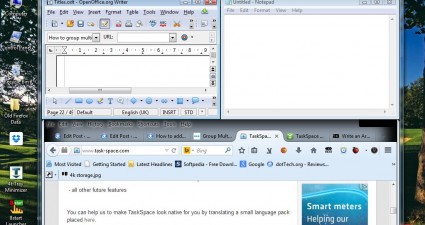
Opening more software windows reduces the amount of space on the taskbar. In addition, open windows are scattered across the desktop. You can save taskbar space and group open windows with the TaskSpace app. That’s a softwar...

Read More
Tip / Trick
By William E. - October 2, 2014

How to view removable media on desktop in Windows with Desktop Media [Tip]

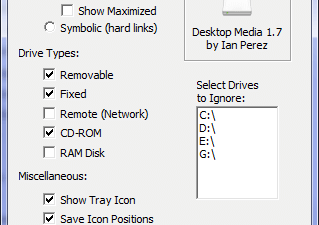
Those of us who are familiar with Mac OSX as well as Linux know that whenever removable media is attached, the device pops up on the desktop, allowing for ease of navigation. Desktop Media is a piece of freeware that mimics this f...

Read More
Tip / Trick
By MatthewA - October 2, 2014

How to move tabs with keyboard shortcuts in Chrome [Tip]

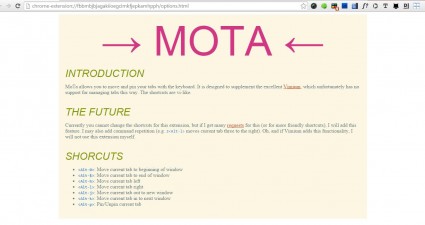
Most browsers have a few keyboard shortcuts for tabs. With keyboard shortcuts you can open new tabs or close them. However, browsers don’t include hotkeys that move the tabs on the tab bar. Nevertheless, with the MoTa extension we...

Read More
Tip / Trick
By MatthewA - October 2, 2014

How to duplicate and close multiple tabs in Firefox [Tip]

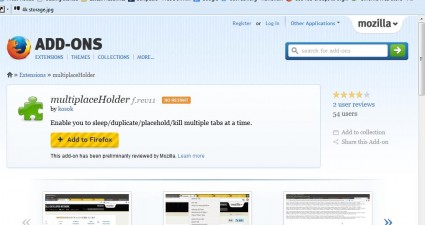
Firefox’s API does not support multiple tab selection. Consequently, you can’t select multiple tabs when lots of pages are open in Firefox. However, by adding the multiplaceHolder add-on to the browser you can select m...

Read More
Tip / Trick
By Kent - October 2, 2014

How to directly save images to downloads folder in Chrome [Tip]

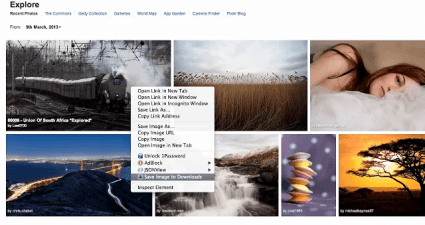
Have you ever wondered if it’s possible to directly download and save images to your “Downloads” folder? In Chrome, you can easily configure your file download destination. There’s also the “Save image as” option in the context me...

Read More
Tip / Trick
By MatthewA - October 2, 2014

How to save browsing sessions in Chrome [Tip]

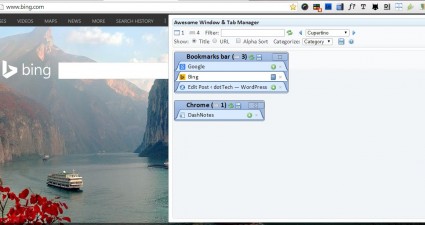
This article covered how to save and restore Firefox browsing sessions. You can also do that in Google Chrome, but a different extension is required. With Awesome Window and Tab Manager we can save all the page tabs open in Chrome...

Read More
Tip / Trick
By Kent - October 2, 2014

How to sort emails as lists in Gmail [Tip]

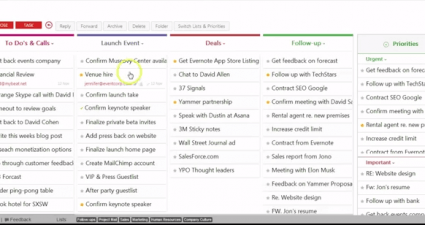
What’s great about using Chrome is that you can use a variety of add-ons to beef up your Gmail account. Like, for example, you can change your Gmail’s skin or layout by adding new elements and sections. Speaking of which, did you ...

Read More
Tip / Trick
By MatthewA - October 1, 2014

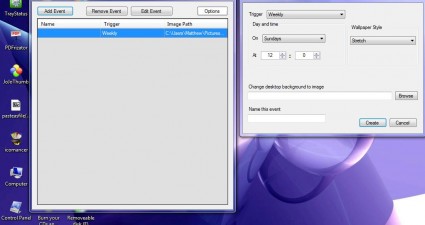
How to automatically change desktop wallpaper in Windows [Tip]

Love wallpapers? Then you are in the right place because this article will show you how to automatically set desktop wallpapers change. Read on to learn more.

Read More
Tip / Trick
By MatthewA - October 1, 2014

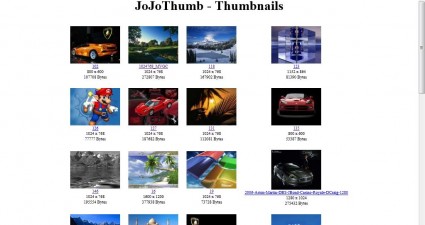
How to create an HTML image thumbnail gallery in Windows [Tip]

Websites with image galleries often include thumbnails. Those are scaled down images that you can expand by clicking on them. To add a few thumbnails to your pages, check out the JoJoThumb software. You can add the software to Win...

Read More
Review
By Kent - October 1, 2014

[Windows] Quickly send large files without limits with Infinit

When it comes to sending large files, you can’t just settle for mediocre online file transfer services. You need to make sure that you’re using a service that’s not only secure and reliable but also fast enough to deliver the file...

Read More
Tip / Trick
By Kent - October 1, 2014

How to automatically open an app when headset is connected in Android [Tip]

Do you want to customize the way how your Android device behaves every time you plug-in or connect your headset/earphones? This way, you can automatically open your favorite music app such as Spotify or Google Play Music. You can ...

Read More
Tip / Trick
By MatthewA - October 1, 2014

How to show password instead of asterisk in Firefox [Tip]

Whenever you enter a login password on a website they are effectively invincible with the asterisks replacing the text entered. Of course, that is an added security measure; but it’s not entirely clear what you’ve ente...

Read More
Tip / Trick
By Enrique Manalang - October 1, 2014

How to root Samsung Galaxy Mega 5.8 (GT-I9150) [Guide]

Want to root your Samsung Galaxy Mega 5.8? This guide will help you accomplish just that! Disclaimer: This guide is intended as a helpful “how to”. Ashraf and dotTech are not responsible for any gain or loss (including but not lim...

Read More
Tip / Trick
By Kent - October 1, 2014

How to remove camera data from image in Android [Tip]

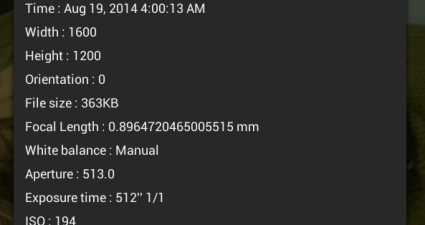
Sharing photos are fun. However, you need to be extra vigilant. If you are still not aware about it, your photos can easily reveal your actual location as well as the type of device that you’re using. What does this imply? This si...

Read More
Tip / Trick
By Kent - October 1, 2014

How to post sticky notes to any site or page in Chrome [Tip]

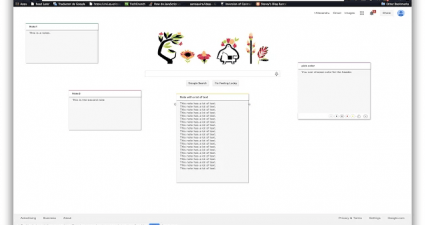
Sure, there are lots of cool and interesting sticky note apps that you can use. Each app also has its own distinct feature. You can add notes of any color and even sync your data across web browsers. You can also add links to your...

Read More
Tip / Trick
By MatthewA - September 30, 2014

How to create animated PDF presentations in Windows [Tip]

This previous article covered how to set up PDF image albums. However, they were static albums with no transition effects or audio that you would find in presentations. To create an animated PDF presentation, add the PDFrizator to...

Read More
Tip / Trick
By William E. - September 30, 2014

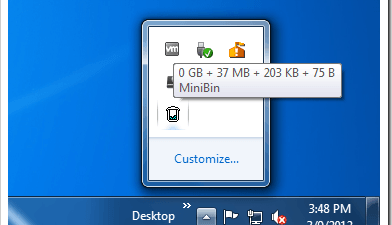
How to have Recycle Bin in system tray in Windows with MiniBin [Tip]

MiniBin is an application which will be sure to make the life of its users easier. It allows for the easy access and emptying of the recycle bin. COMPATIBILITY MiniBin will work with Windows 7 and up according to the developer. It...

Read More
Tip / Trick
By Kent - September 30, 2014

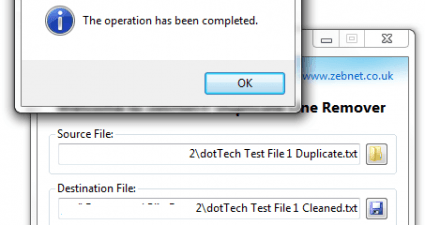
How to remove duplicate lines from a text file in Windows [Tip]

If you’re constantly working with text files, you will eventually encounter some that contains duplicate entries or lines. These lines may be encoded by mistake so you’ll definitely need to edit and clean up your files. The thing ...

Read More
« Previous 1 … 102 103 104 105 106 107 108 109 110 111 112 … 451 Next »

Recent Posts

  • How to record your desktop screen, edit and export like a pro with ScreenToGif [Windows]
  • How to edit your audio tags using Mp3tag [Windows]
  • How to create animated PNGs [Windows]
  • How to create simple animated GIF screen captures with LICEcap [Windows]
  • How to edit MP3 files fast and easy with mp3DirectCut [Windows]
  • How to become a crossword (cheat) champ [Windows]
  • How to locate files and folders by filename instantly [Windows]
  • How to broadcast your PowerPoint 2010 (or later) presentation [Windows]
  • PDFelement vs Acrobat Pro DC [Tip]
  • How to fix disk signature collision problem of a drive without formatting in Windows [Tip]
  • How to turn ads off in uTorrent in Windows [Tip]
  • How to use an MP3 song as a ringtone in an iPhone [Tip]
  • The Best 4 Software to Install on Your PC in 2018 [Tip]
  • How to stop killing your battery by overcharging your laptop [Tip]
  • How to reencode videos using XMedia Recode [Windows]
  • How to download videos using 3D Youtube Downloader [Windows]
  • How to highlight cells having keywords in Excel [Tip]
  • How to prevent users from changing desktop wallpaper in Windows [Tip]
  • Download and record any song or video from the web with KeepVid Music [Windows]
  • Download 1080p and Ultra HD videos from any site with KeepVid Pro [Windows]
  • How to add/remove apps and programs in Windows 10 [Tip]
  • How to save space by cleaning up Component Store (WinSxS folder) in Windows 10 [Tip]
  • Download videos online from any site with KeepVid Online [Web/Browser]
  • How to enable/disable OneDrive for file storage in Windows 10 [Tip]
  • How to find out what edition, version and OS build of Windows 10 I have? [Tip]
  • How to change name Cortana calls you [Tip]
  • How to encrypt a single file or folder in Windows 10 [Tip]
  • How to encrypt internal hard drive in Windows 10 [Tip]
  • Download HD videos fast with KeepVid YouTube Video Downloader [Android]
  • How to turn on/off sync settings in Windows 10 [Tip]
  • How to enable or disable automatic updates for Windows Update in Windows 10 [Tip]
  • How to turn on/off driver updates using Windows Update in Windows 10 [Tip]
  • How to hide or show Windows updates in Windows 10 [Tip]
  • How to set wireless network as metered/non-metered connection in Windows 10 [Tip]
  • How to turn on/off system protection for drives in Windows 10 [Tip]

The Hidden Stash (aka Categories)

© 2008-2017 dotTech.org | All content is the property of its rightful owner. | We are part of the Azadi Network.