dotTech

  • /Home
  • /Giveaways
  • /Reviews
  • /Tips & Tricks
  • /Downloads
POPULAR ➞ Download Paid Software For Free!
Tip / Trick
By MatthewA - October 31, 2014

How to add a ring app launcher to desktop in Windows [Tip]

Previous articles have covered app launchers such as sTabLauncher that add extra toolbars/taskbars to the top of the desktop. For something more original, add the SliderDock app launcher to Windows. That’s a rotating ring fr...

Read More
Tip / Trick
By MatthewA - October 31, 2014

How to instantly convert any URL to HTML in Windows [Tip]

If you’re looking for a quick way to add website shortcuts to the Windows desktop, give HTMtied a try. That’s a portable app which coverts any URL (Universal Resource Locator) from the Windows Clipboard into an HTML fi...

Read More
Tip / Trick
By MatthewA - October 31, 2014

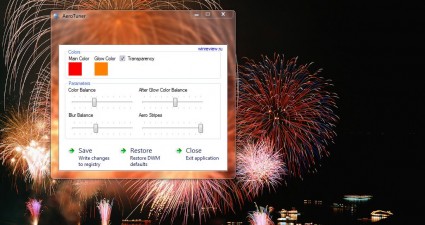
How to set custom colors for Windows 7 Aero [Tip]

Microsoft added a fantastic Aero Glass effect to Windows 7 with Windows Aero. However, Windows 7 doesn’t have many options to customize Windows Aero. Nevertheless, we can further tweak Windows Aero with AeroTuner, which has a few ...

Read More
Review
By Kent - October 31, 2014

[Android] Weatheroux is a weather app with elegant visuals

When it comes to weather apps, there’s no way that you’ll run out of choices. You can choose from apps with accurate forecasts, stunning visuals and interactive maps. Speaking of which, every user has a different preference. If yo...

Read More
Tip / Trick
By MatthewA - October 31, 2014

How to open a calendar in new tab in Chrome [Tip]

Google Calender is an online calendar that you can open in any browser. However, there are alternatives to Google Calendar. Among them is the PerCal app for the Google Chrome browser. That’s a calendar app that you can add to the ...

Read More
Tip / Trick
By Kent - October 31, 2014

How to create a mirror photo effect in Instagram [Tip]

There are a variety of photo effects that you can apply to your photos before posting them online. You just need to search for the right apps or if you’re creative enough, you can manually edit your photos using any photo editing ...

Read More
Tip / Trick
By Kent - October 31, 2014

How to automatically delete all spam messages in Gmail [Tip]

Feeling tired of seeing unsolicited emails in your inbox? Fortunately, Gmail has a quick solution to that. As a matter of fact, it automatically weeds out potential spam messages and then stores them to your Spam folder. Furthermo...

Read More
Tip / Trick
By Kent - October 31, 2014

How to share GPS location to others in Android [Tip]

Most smartphones and tablets have a built-in GPS system. With GPS, you can easily share your location, find places and even ask for directions. The thing is you cannot really expect others to find you that easily especially if you...

Read More
Tip / Trick
By Kent - October 31, 2014

How to create QR codes from right-click menu in Chrome [Tip]

If you are someone who regularly uses QR codes to send, share and transfer texts, links, files and images, then you might as well add the said option to your browser’s right-click menu. Speaking of which, those who are using Chrom...

Read More
Tip / Trick
By MatthewA - October 30, 2014

How to add more items to Send To menu in Windows [Tip]

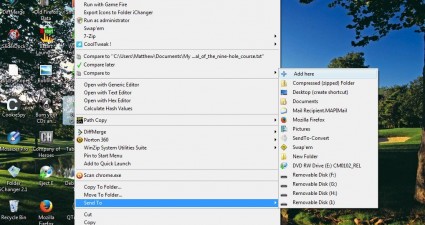
The Send To option on the context menu gives you a handy shortcut for moving folders and documents to alternative locations. Although you don’t need any extra software to add new items to the Send To submenu, you can’t...

Read More
Tip / Trick
By MatthewA - October 30, 2014

How to automatically resize windows to fit desktop in Windows [Tip]

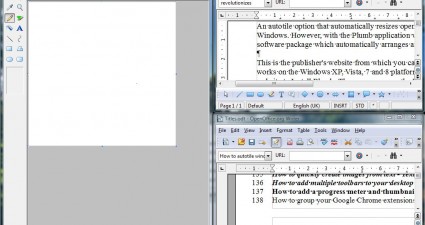
An autotile option that automatically resizes open windows to fit the desktop is not included with Windows. However, with the Plumb application we can add an autotile option to Windows. That’s a software package which automa...

Read More
Tip / Trick
By MatthewA - October 30, 2014

How to change cursor into a stick in Windows [Tip]

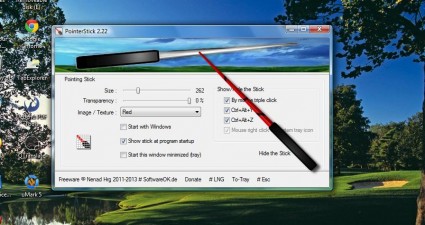
If you’re looking for some software to customize the cursor with, consider adding PointerStick to Windows. That’s software which adds a stick to your mouse cursor. As the stick considerably expands the cursor, it makes...

Read More
Tip / Trick
By Kent - October 30, 2014

How to check and fix GPS in Android [Tip]

Are you having trouble loading some GPS-dependent apps in your Android smartphone or tablet? Does it take too long for your device to detect your location? Perhaps, there’s something wrong with your device GPS. Speaking of which, ...

Read More
Tip / Trick
By MatthewA - October 30, 2014

How to open tabs in full-screen mode in Chrome [Tip]

Google Chrome has a full-screen mode that you can open by pressing F11. Pressing that key then removes all the browser tabs and options. With the browser tabs removed, you cannot open alternative page tabs in full-screen mode. How...

Read More
Tip / Trick
By Kent - October 30, 2014

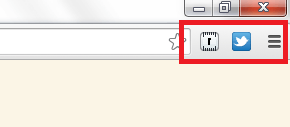
How to hide and restore extension icons in Chrome [Tip]

Having two or three extension icons on your browser’s omnibox is no big deal. It still won’t make your browser too messy and crowded. However, when you have ten or more active extensions, then that’s a totally different story. You...

Read More
Tip / Trick
By Kent - October 30, 2014

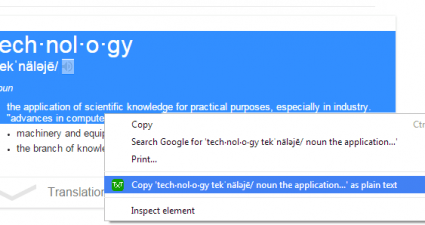
How to automatically copy text without formatting in Chrome [Tip]

With Chrome, you can easily copy text from any site or web page and then paste it anywhere you like. It’s just that by default, you will not be able to paste the text without its encoded formatting. You can only do this by choosin...

Read More
Tip / Trick
By Kent - October 30, 2014

How to create shared photo albums in Facebook [Tip]

Did you know that you can also create shared photo albums in Facebook? By creating shared photo albums, you can invite your friends to contribute their own photos to your shared album. It’s a great way to combine photos from fun e...

Read More
Tip / Trick
By Zicheng Ren - October 29, 2014

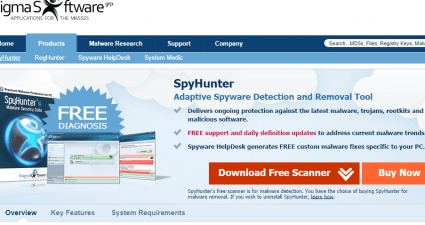
What is SpyHunter and how to use it? [Guide]

Every computer user wants to live in a virus-free internet environment. However, this is not likely to happen since there is no way you can stop crimes completely. When you are facing your paralyzed computer with a sense of deep f...

Read More
Tip / Trick
By Zicheng Ren - October 29, 2014

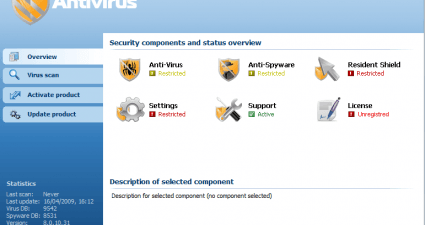
How to remove Personal Antivirus malware [Guide]

Don’t be fooled by this so called Personal Antivirus! If you ever downloaded this program to use as a defender of your computer, you were tricked. It is like a thief getting himself into a police station and pretending to catch ot...

Read More
Tip / Trick
By MatthewA - October 29, 2014

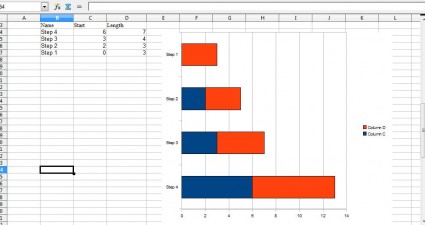
How to make a Gantt Chart in OpenOffice Calc in Windows [Guide]

A Gantt chart is a project planning tool that illustrates a project’s duration. The Gantt charts show the expected start and finish times of each stage of a project. You can quickly set up a Gantt chart with the OpenOffice s...

Read More
Tip / Trick
By Kent - October 29, 2014

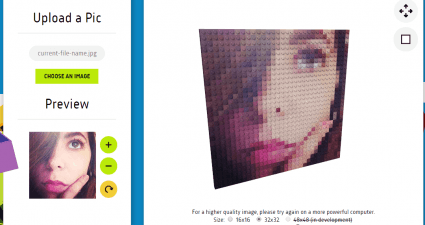
How to turn images into LEGO bricks mosaic [Tip]

In a previous post, you’ve learned a simple way on how to create a photo mosaic. This time, you will learn how to transform images into creative LEGO bricks mosaic. It’s a great way to turn your ordinary photos into astounding art...

Read More
Tip / Trick
By MatthewA - October 29, 2014

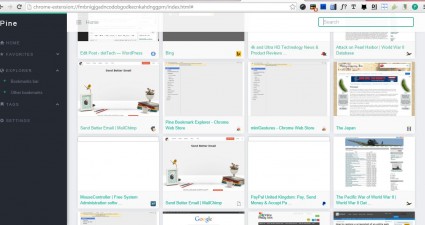
How to add bookmarks with thumbnails in Chrome [Guide]

Thumbnail images of website pages are something that the foremost browsers such as Chrome and Firefox are widely embracing on their New Tab pages. However, at the moment they don’t include any thumbnail images for your bookmarks. ...

Read More
Tip / Trick
By Kent - October 29, 2014

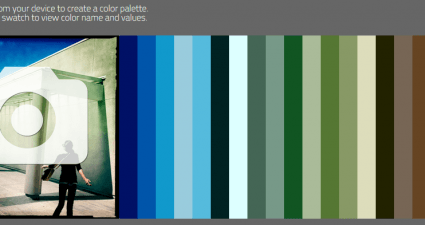
How to create a color palette from images online [Tip]

Ever wondered if you can use a photo to generate a color palette that you can use for web design and graphic editing? If you do, then you’d be delighted to know that you can actually create a color palette out of the images that y...

Read More
Tip / Trick
By Kent - October 29, 2014

How to remove users from Facebook group chat [Tip]

In Facebook, there’s an option that allows users to communicate with each other via group chat. By starting a group chat, you can send messages to multiple friends at the same time and vice versa. You can also add and remove membe...

Read More
Tip / Trick
By MatthewA - October 28, 2014

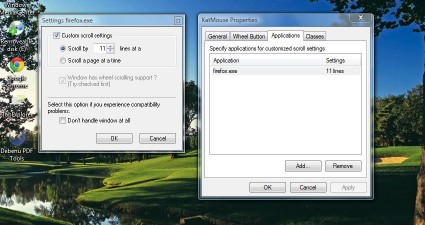
How to customize scroll wheel settings in Windows [Tip]

Today, most mouses have at least three buttons. A standard mouse has two buttons plus a scroll wheel that counts as a third. You can scroll through website pages with that wheel, and to further customize its settings add KatMouse ...

Read More
Tip / Trick
By MatthewA - October 28, 2014

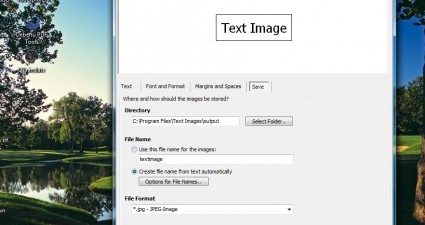
How to create images from text in Windows [Tip]

Website designers always try to ensure that all the headings on their pages are displayed in the correct size and font. However, they cannot be sure that fonts will be displayed correctly on each system unless they add the heading...

Read More
Tip / Trick
By Kent - October 28, 2014

How to play a video with SRT file in Windows [Tip]

So, you’ve downloaded this video from the web but you can’t fully understand it because it’s been dubbed in a different language or dialect. Luckily, the video has an SRT file so all you need to do is to play the video together wi...

Read More
Tip / Trick
By MatthewA - October 28, 2014

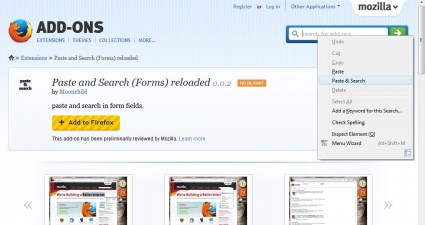
How to add a Paste and Search option in Firefox [Tip]

In a previous article I told you about Firefox’s Paste and Go option. That’s an option that copies selected text into the address box. However, you can’t copy any other text into alternative search boxes with Fir...

Read More
Tip / Trick
By Kent - October 28, 2014

How to enable automatic deletion of file versions in Google Drive [Tip]

In Google Drive, you can edit or update a document and still manage to recover its previous versions. It also doesn’t matter if your file wasn’t saved or uploaded in a Google format because you can still view and manage its versio...

Read More
Tip / Trick
By Kent - October 28, 2014

How to turn off location in Facebook Messenger [Tip]

With Facebook Messenger, you can easily contact your friends no matter where they are in the world. You can even send photos, voice recordings, smilies and stickers. Even so, you should still be careful not to accidentally reveal ...

Read More
Tip / Trick
By Kent - October 28, 2014

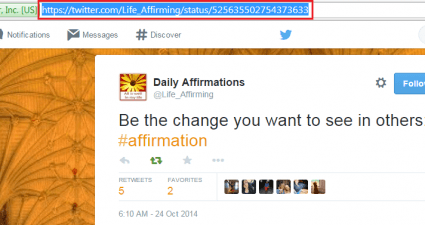
How to bookmark tweets from Twitter [Tip]

In Twitter, you have the option to mark tweets as favorites. Other than this, there’s actually no way for you to save or bookmark a tweet right within your account. You’ll have to manually bookmark tweets. To do so, you’ll have to...

Read More
Tip / Trick
By Zicheng Ren - October 27, 2014

What is Malwarebytes Anti-Malware and how to use it? [Guide]

If you don’t want to get a full version of antivirus software by paying a considerable amount of money, but are bothered by widespread Trojan viruses, Malwarebytes comes to the rescue. Malwarebytes (full name: Malwarebytes Anti-Ma...

Read More
Tip / Trick
By MatthewA - October 27, 2014

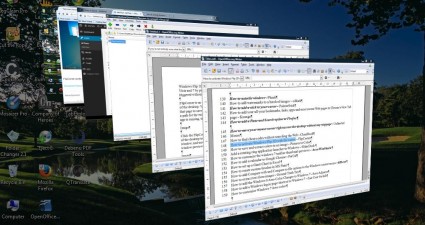
How to activate Flip 3D effect with mouse cursor in Windows [Tip]

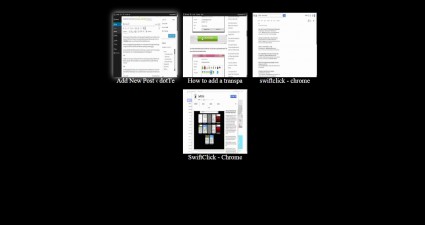
Windows Flip 3D is the 3D preview of open windows. You can trigger the 3D preview in Windows Vista and 7 by pressing the Win + Tab keyboard shortcut. Alternatively, Flip 3D can also be triggered without any hotkey with the FlipCor...

Read More
Tip / Trick
By MatthewA - October 27, 2014

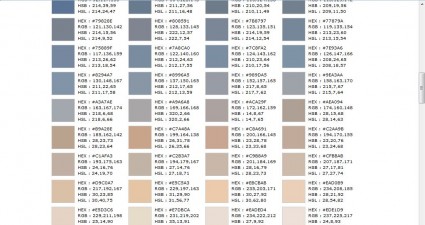
How to create a color palette from an image in Windows [Tip]

If you find some color schemes in an image that you would love to include in your website pages, consider adding Pictures to Color to your software library. That’s software that retrieves a color palette from the picture. Th...

Read More
Tip / Trick
By MatthewA - October 27, 2014

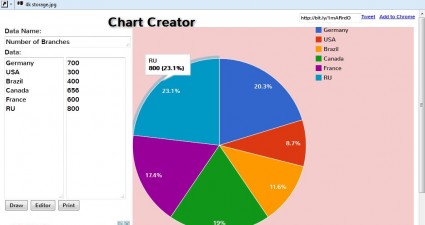
How to create graphs without using any spreadsheet software [Tip]

Spreadsheets are undoubtedly the best applications for graphs and charts. However, those who don’t have any spreadsheet applications at their disposal can still set up graphs. Head over to the Chart Creator site, in the shot...

Read More
« Previous 1 … 98 99 100 101 102 103 104 105 106 107 108 … 451 Next »

Recent Posts

  • How to record your desktop screen, edit and export like a pro with ScreenToGif [Windows]
  • How to edit your audio tags using Mp3tag [Windows]
  • How to create animated PNGs [Windows]
  • How to create simple animated GIF screen captures with LICEcap [Windows]
  • How to edit MP3 files fast and easy with mp3DirectCut [Windows]
  • How to become a crossword (cheat) champ [Windows]
  • How to locate files and folders by filename instantly [Windows]
  • How to broadcast your PowerPoint 2010 (or later) presentation [Windows]
  • PDFelement vs Acrobat Pro DC [Tip]
  • How to fix disk signature collision problem of a drive without formatting in Windows [Tip]
  • How to turn ads off in uTorrent in Windows [Tip]
  • How to use an MP3 song as a ringtone in an iPhone [Tip]
  • The Best 4 Software to Install on Your PC in 2018 [Tip]
  • How to stop killing your battery by overcharging your laptop [Tip]
  • How to reencode videos using XMedia Recode [Windows]
  • How to download videos using 3D Youtube Downloader [Windows]
  • How to highlight cells having keywords in Excel [Tip]
  • How to prevent users from changing desktop wallpaper in Windows [Tip]
  • Download and record any song or video from the web with KeepVid Music [Windows]
  • Download 1080p and Ultra HD videos from any site with KeepVid Pro [Windows]
  • How to add/remove apps and programs in Windows 10 [Tip]
  • How to save space by cleaning up Component Store (WinSxS folder) in Windows 10 [Tip]
  • Download videos online from any site with KeepVid Online [Web/Browser]
  • How to enable/disable OneDrive for file storage in Windows 10 [Tip]
  • How to find out what edition, version and OS build of Windows 10 I have? [Tip]
  • How to change name Cortana calls you [Tip]
  • How to encrypt a single file or folder in Windows 10 [Tip]
  • How to encrypt internal hard drive in Windows 10 [Tip]
  • Download HD videos fast with KeepVid YouTube Video Downloader [Android]
  • How to turn on/off sync settings in Windows 10 [Tip]
  • How to enable or disable automatic updates for Windows Update in Windows 10 [Tip]
  • How to turn on/off driver updates using Windows Update in Windows 10 [Tip]
  • How to hide or show Windows updates in Windows 10 [Tip]
  • How to set wireless network as metered/non-metered connection in Windows 10 [Tip]
  • How to turn on/off system protection for drives in Windows 10 [Tip]

The Hidden Stash (aka Categories)

© 2008-2017 dotTech.org | All content is the property of its rightful owner. | We are part of the Azadi Network.