dotTech

  • /Home
  • /Giveaways
  • /Reviews
  • /Tips & Tricks
  • /Downloads
POPULAR ➞ Download Paid Software For Free!
Tip / Trick
By MatthewA - September 11, 2014

How to extract icons from any file in Windows [Tip]

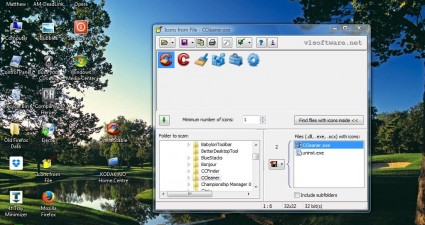
Those searching for new Windows software and file shortcut icons can find them at websites such as Free Icons Webs. Alternatively, you can extract icons from any file in Windows with the freeware Icons from Files software. Icons f...
Read More
Tip / Trick
By MatthewA - September 11, 2014

How to get Mac OS X style photo booth in Windows [Tip]

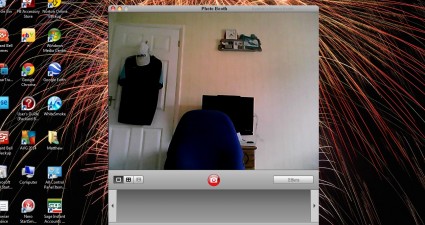
Those with the Mac OS X platform will probably be familiar with the Photo Booth application. That’s a Mac OS X application with which you can take webcam snapshots, and adds some effects to them. Now you can also add that to Windo...

Read More
Tip / Trick
By William E. - September 11, 2014

How to turn off monitor or laptop screen with hotkey in Windows [Tip]

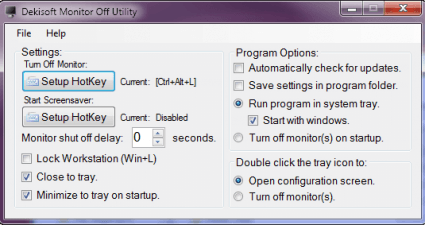
Whether you are doing this to conserve energy, battery life or for privacy, Dekisoft Monitor Off Utility allows users to completely shut off their laptop screens. If your laptop does not make provision for this functionality, Deki...

Read More
Tip / Trick
By Kent - September 11, 2014

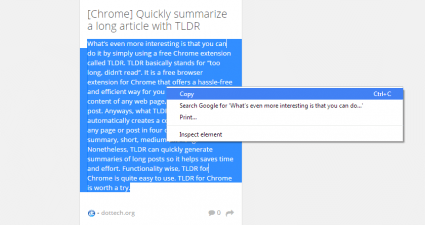
How to quickly summarize a web page or article [Tip]

In my previous post, I reviewed a certain extension for Chrome called TLDR. The said extension can automatically generate a summary of long articles. Nonetheless, there’s a downside to using TLDR as it is only available to Chrome,...

Read More
Tip / Trick
By MatthewA - September 11, 2014

How to remove videos, images and Flash from any web page in Chrome [Tip]

This post covered how you can remove images, Flash and video from website pages with the Firefox QuickJava add-on. You can also remove images, video and Flash from Google Chrome pages for faster browsing. The Text Mode Google Chro...

Read More
Tip / Trick
By MatthewA - September 11, 2014

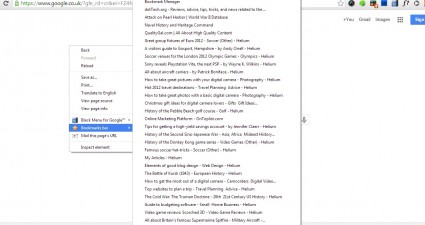
How to add bookmarks bar to right-click menu in Chrome [Tip]

Right-clicking on Google Chrome opens a context menu with various options. It has save, print and navigation options. However, it does not include a shortcut to your bookmarks. You can add your bookmarks to the Google Chrome conte...

Read More
Tip / Trick
By Kent - September 11, 2014

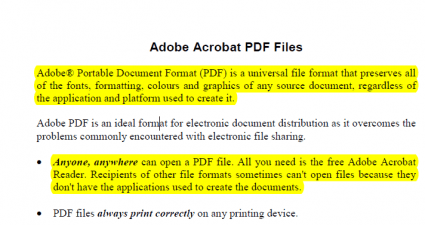
How to extract highlights and notes from PDF files in Chrome [Tip]

Okay, so you have a PDF file with notes and highlights. Now, you’re wondering if it is possible to extract and save these notes and highlights as a separate file. Well, that’s actually very simple for as long as you have the right...

Read More
Tip / Trick
By William E. - September 10, 2014

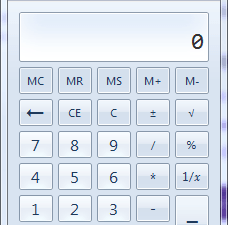
How to add more features to built-in Windows Calculator [Tip]

I know that we have all been in the position where we needed to do some calculation which wasn’t incre difficult but the assistance of a calculator was needed. One of the most convenient choices is the Windows Calculator. We...

Read More
Review
By Kent - September 10, 2014

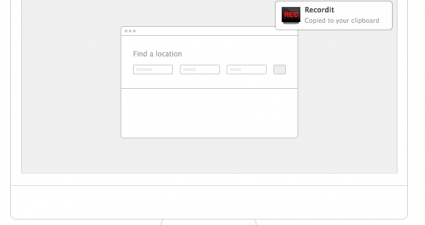
[Windows] Create and share screencasts with Recordit [Mac OS X]

Screencasts are often used for interactive tutorials and online seminars. Compared to screenshots, which only generates simple images, a screencast shows the actual activity that a user does on the screen. It’s great for demonstra...

Read More
Review
By Kent - September 10, 2014

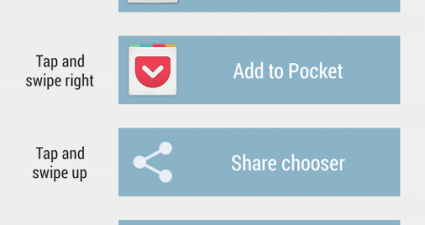
[Android] Quickly share and open links via tap and swipe with LinkSwipe

In Android, you still need links to view or share various online content such as web pages, blog posts, videos, images, PDFs, etc. Speaking of which, there are also apps that can automatically turn text URLs into links. Now, what ...

Read More
Tip / Trick
By MatthewA - September 10, 2014

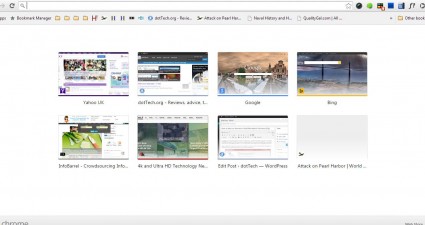
How to restore the New Tab page from previous Chrome versions [Tip]

More recent versions of Google Chrome have a New Tab page that includes a Google logo and search box. The addition of the search box provides a shortcut to Google, but also reduces the amount of space on the page for the thumbnail...

Read More
Tip / Trick
By MatthewA - September 10, 2014

How to export Firefox tabs to Google Chrome [Tip]

Those who use both the Firefox and Chrome browsers should install the Open In Chrome extension. That’s an add-on with which you can migrate open Firefox tabs to Google Chrome. To quote the add-on’s page: “The intended ...

Read More
Tip / Trick
By MatthewA - September 10, 2014

How to duplicate tabs in Firefox [Tip]

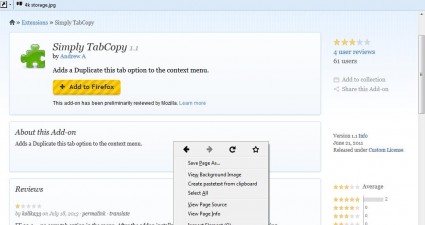
Browsers such as Chrome include a Duplicate option on the tab context menu. When you select that option a duplicate tab opens on the tab bar. However, Firefox does not have a duplicate option on the tab context menu. Nevertheless,...

Read More
Tip / Trick
By Kent - September 10, 2014

How to add category tabs to Google Keep in Chrome [Tip]

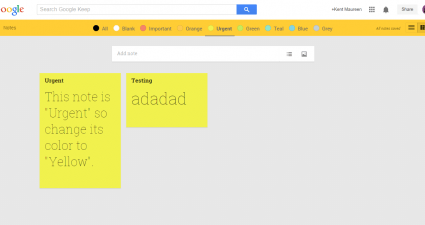
The web version of Google Keep is good for keeping simple notes. The downside of it is that it lacks a lot of features and options. One of these is the ability to sort out notes, reminders and to-do lists into different categories...

Read More
Tip / Trick
By Kent - September 10, 2014

How to automatically dim Android screen [Tip]

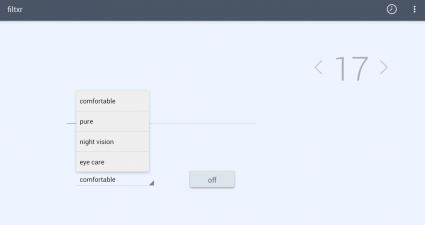
Do you wish to preconfigure the brightness and contrast of your Android screen? It’s a great option especially when you’re too tired (or too lazy) to manually adjust your Android screen brightness just before you sleep. If your an...

Read More
Tip / Trick
By MatthewA - September 9, 2014

How to select an alternative LibreOffice default file format [Tip]

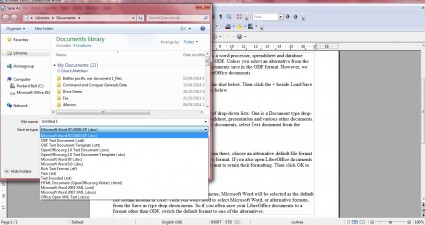
LibreOffice is a freeware office suite that includes a word processor, spreadsheet and database application. The default LibreOffice file format is ODF. Unless you select an alternative from the file drop-down list on the Save as ...

Read More
Tip / Trick
By MatthewA - September 9, 2014

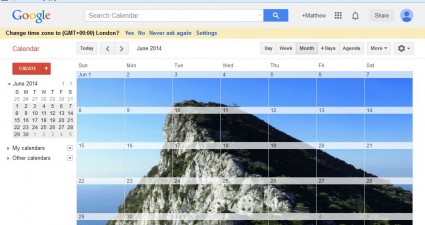
How to add a background image to Google Calendar [Tip]

Google Calendar is a free application that you can access if you have a Google Account such as Gmail. It has numerous customization options, and is comparable to desktop calendar applications such as Outlook. This is how you can a...

Read More
Tip / Trick
By Tiago Oliveira - September 9, 2014

Are you getting 65% of unique opens in your email sends?

That’s no typo! One of our clients achieved a stunning 65% average email open rate! And that’s unique opens we’re talking about (instead of the usual misleading total opens). Who’s the chap? Meet Caio Henri...

Read More
Tip / Trick
By Kent - September 9, 2014

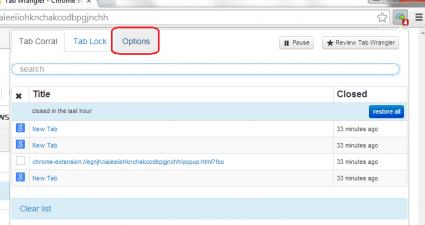
How to automatically close inactive tabs in Chrome [Tip]

When you’re multitasking, you can’t help but open too many tabs and then before you know it, it already becomes a habit. The thing is if you open multiple tabs, you’ll need to manually close them all after you’re done. If you also...

Read More
Tip / Trick
By MatthewA - September 9, 2014

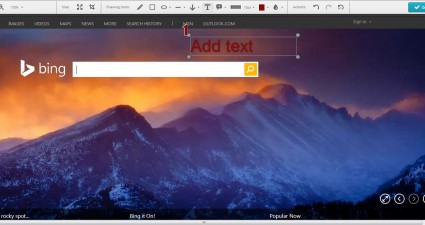
How to take a screenshot of an entire web page in Opera [Tip]

Previous articles have already covered the steps on how you can capture full-page snapshots of website pages with Google Chrome and Firefox extensions. However, those extensions aren’t available for Opera. To capture full-page sna...

Read More
Tip / Trick
By Kent - September 9, 2014

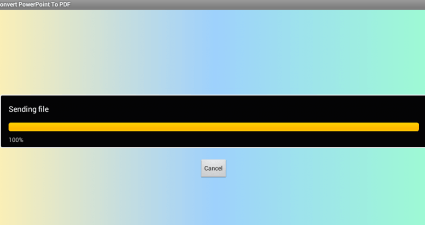
How to convert PowerPoint to PDF in Android [Tip]

One of the main advantages of converting a PowerPoint document to PDF is flexibility. So instead of downloading another app just to view a PPT or PPTX file, you can just use any of your existing apps such as your e-book reader. To...

Read More
Tip / Trick
By Kent - September 9, 2014

How to view (open) PowerPoints in Android [Tip]

There are certain apps that allow you to create various types on documents in Android. Now, what if you want to view an existing Microsoft Office document or file using your Android smartphone or tablet? Like, for example, a Power...

Read More
Review
By Kent - September 8, 2014

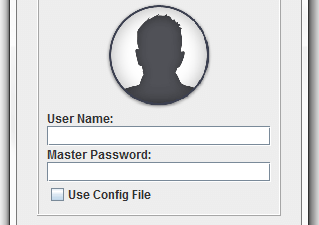
[Windows] Create secure passwords with Master Password

Nowadays, having a simple password can make you the prime target of data and privacy breach. Before you know it, someone has already used your email, SNS or IM to send spam messages. Not only that, hackers and data thieves can als...

Read More
Review
By Kent - September 8, 2014

[Android] Create artistic double exposure photos with BlendPic

Feeling tired of the usual photo filters? Do you wish to create artistic photos that would definitely stand out from the rest? If your answer is yes, then why don’t try to blend two photos together to create a stunning double expo...

Read More
Tip / Trick
By MatthewA - September 8, 2014

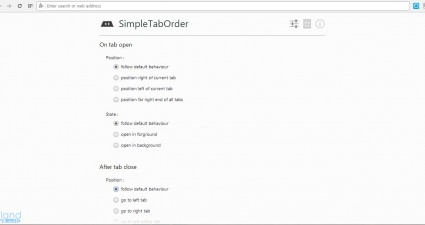
How to adjust the placement of new page tabs in Opera and Chrome [Tip]

If you’re looking for an extension with which to customize tab placement, consider adding SimpleTabOrder to your browser. That’s an extension available for both Opera and Google Chrome. We can customize the placement of new page t...

Read More
Tip / Trick
By Kent - September 8, 2014

How to split tabs into two windows in Chrome [Tip]

Do you like to multi-task? If yes, then it’s probably a part of your routine to open multiple tabs while you’re surfing the net or doing a web research. The problem is if you open too many tabs, then you’ll eventually find it diff...

Read More
Tip / Trick
By MatthewA - September 8, 2014

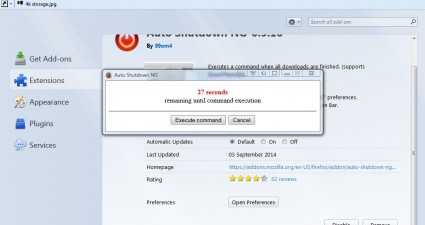
How to automatically shut down computer after a download completes in Firefox [Tip]

Larger software packages amounting to more than one GB might take more than an hour to download. Consequently, you can’t always wait around at the desktop for a long download to finish. You can instead schedule your desktop/...

Read More
Tip / Trick
By MatthewA - September 8, 2014

How to add an animated GIF to new tab page in Chrome [Tip]

Are you bored with the same Google Chrome New Tab page. If so you can add random animated GIFs with a comical touch. The Animated Tabs extension for Google Chrome displays alternative animated GIFs each time you click on the New T...

Read More
Tip / Trick
By Kent - September 8, 2014

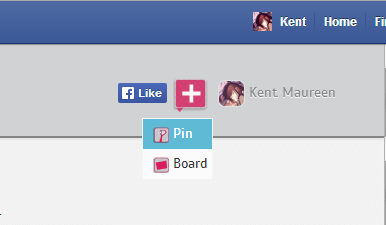
How to pin photos to Facebook Timeline [Tip]

Have you ever thought of adding a Pinterest-like feature to your Facebook Timeline? Well, it’s not like you cannot directly link Pinterest to Facebook but what if you want to pin the photos that you’ve already uploaded to your FB ...

Read More
Guest Post
By Bob - September 7, 2014

Barcode printing buyer’s guide: which one is right for your business?

Barcode printers are an economical way to create labels, receipts and tags for your products. They don’t require as much maintenance as a regular printer, are inexpensive to replace, and will print faster — which is importan...

Read More
By Ashraf - September 7, 2014

Watch a lion hug a man. No, really. [Video]

The kicker? This isn’t the first time a lion has hugged a man.

Read More
Review
By Kent - September 5, 2014

[Windows] Get a portable notepad with screen capture and calculator with Super Duper Notepad

When it comes to notepad apps, you won’t run out of choices. It’s just up to you if you want a notepad for your browser, smartphone, tablet or desktop. Now, what if you’re always on the go? In that case, you might want to consider...

Read More
Tip / Trick
By MatthewA - September 5, 2014

How to resize and change window transparency with mouse scroll wheel in Windows [Tip]

To resize windows in the Windows OS, you would usually select the Restore down option and then drag the borders. However, it’s better to resize windows with the mouse wheel, which is something you can’t do unless you h...

Read More
Review
By Kent - September 5, 2014

[Android] Build personal resilience by doing real life quests with SuperBetter

Virtual games can either destroy you or help you become a stronger individual. You also take on various quests and fight the bad guys. For every success that you make, you level up and earn all sorts of rewards. Now, what if you a...

Read More
Tip / Trick
By MatthewA - September 5, 2014

How to zoom thumbnails on mouse over in Chrome [Tip]

To expand thumbnail images in galleries, you usually have to click on them. However, with Hover Zoom we can expand thumbnails by hovering the mouse over them instead. The extension also has a variety of additional options and shor...

Read More
« Previous 1 … 105 106 107 108 109 110 111 112 113 114 115 … 451 Next »

Recent Posts

  • How to record your desktop screen, edit and export like a pro with ScreenToGif [Windows]
  • How to edit your audio tags using Mp3tag [Windows]
  • How to create animated PNGs [Windows]
  • How to create simple animated GIF screen captures with LICEcap [Windows]
  • How to edit MP3 files fast and easy with mp3DirectCut [Windows]
  • How to become a crossword (cheat) champ [Windows]
  • How to locate files and folders by filename instantly [Windows]
  • How to broadcast your PowerPoint 2010 (or later) presentation [Windows]
  • PDFelement vs Acrobat Pro DC [Tip]
  • How to fix disk signature collision problem of a drive without formatting in Windows [Tip]
  • How to turn ads off in uTorrent in Windows [Tip]
  • How to use an MP3 song as a ringtone in an iPhone [Tip]
  • The Best 4 Software to Install on Your PC in 2018 [Tip]
  • How to stop killing your battery by overcharging your laptop [Tip]
  • How to reencode videos using XMedia Recode [Windows]
  • How to download videos using 3D Youtube Downloader [Windows]
  • How to highlight cells having keywords in Excel [Tip]
  • How to prevent users from changing desktop wallpaper in Windows [Tip]
  • Download and record any song or video from the web with KeepVid Music [Windows]
  • Download 1080p and Ultra HD videos from any site with KeepVid Pro [Windows]
  • How to add/remove apps and programs in Windows 10 [Tip]
  • How to save space by cleaning up Component Store (WinSxS folder) in Windows 10 [Tip]
  • Download videos online from any site with KeepVid Online [Web/Browser]
  • How to enable/disable OneDrive for file storage in Windows 10 [Tip]
  • How to find out what edition, version and OS build of Windows 10 I have? [Tip]
  • How to change name Cortana calls you [Tip]
  • How to encrypt a single file or folder in Windows 10 [Tip]
  • How to encrypt internal hard drive in Windows 10 [Tip]
  • Download HD videos fast with KeepVid YouTube Video Downloader [Android]
  • How to turn on/off sync settings in Windows 10 [Tip]
  • How to enable or disable automatic updates for Windows Update in Windows 10 [Tip]
  • How to turn on/off driver updates using Windows Update in Windows 10 [Tip]
  • How to hide or show Windows updates in Windows 10 [Tip]
  • How to set wireless network as metered/non-metered connection in Windows 10 [Tip]
  • How to turn on/off system protection for drives in Windows 10 [Tip]

The Hidden Stash (aka Categories)

© 2008-2017 dotTech.org | All content is the property of its rightful owner. | We are part of the Azadi Network.