dotTech

  • /Home
  • /Giveaways
  • /Reviews
  • /Tips & Tricks
  • /Downloads
POPULAR ➞ Download Paid Software For Free!
Tip / Trick
By Kent - October 14, 2014

How to add text to animated GIF images online [Tip]

Animated GIFs are often used in forums, blogs, sites and social networks. As a matter of fact, the web is full of funny, cool and interesting animated GIFs. You can even download some and edit them by placing your own texts and ca...
Read More
Tip / Trick
By Zicheng Ren - October 13, 2014

What is CCleaner and how to use it? [Guide]

Have you ever noticed your computer running a little slower than usual?  Or perhaps you have been looking through your files or programs and noticed some objects that you can’t remember downloading or using.  You wonder whether th...

Read More
Tip / Trick
By MatthewA - October 13, 2014

How to add multi colored tabs to Windows Explorer [Tip]

In this article I told you about the Clover software that adds tabs to Windows Explorer. They are great addition to Windows Explorer, but they are not multicolored tabs. Consequently, to add multicolored tabs to Explorer install T...

Read More
Tip / Trick
By MatthewA - October 13, 2014

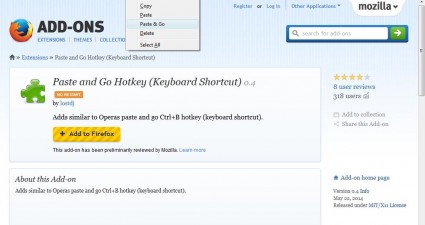
How to add a Paste and Go hotkey to Firefox [Tip]

The Firefox URL bar has a few options that you can select from its right-click context menu. Among them is a Paste and Go option that pastes copied text into the address bar and then opens a page. That’s a handy option which...

Read More
Tip / Trick
By Kent - October 13, 2014

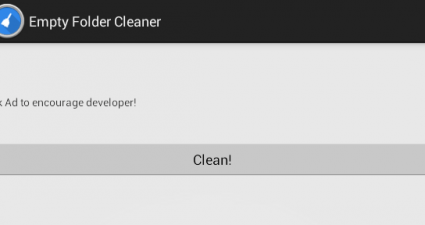
How to automatically clean empty folders in Android [Tip]

When you uninstall apps, there’s a tendency for them to leave some empty folders into your file directory. This can be quite annoying since you need to manually delete these folders. If you just leave them there, your file directo...

Read More
Tip / Trick
By Kent - October 13, 2014

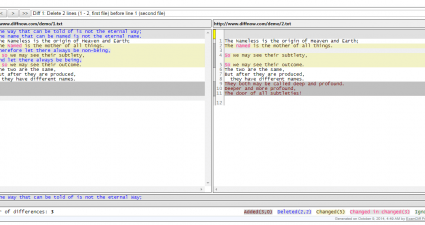
How to compare two text files online [Tip]

When you want to compare and find out the differences between two similar text files, you can opt to use a desktop software or app. This makes it easier for you to identify the elements that you need to edit, omit or correct. It’s...

Read More
Tip / Trick
By Kent - October 13, 2014

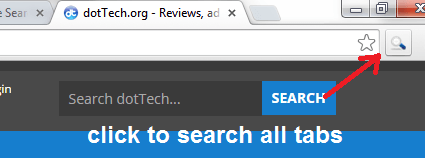
How to search all opened tabs in Chrome [Tip]

In Chrome, there are many ways for you to enhance the way you search. As for those who like to multitask, you might want to consider learning how to search and perform various operations on all of your opened tabs. By searching al...

Read More
Tip / Trick
By Kent - October 13, 2014

How to access different search engines in new tab page in Chrome [Tip]

Have you ever thought of a way to make your Chrome new tab page even more useful? If, by default, it only lets you search through Google, it’s still up to you if you want to modify it. As a matter of fact, you can tweak your brows...

Read More
Tip / Trick
By MatthewA - October 10, 2014

How to set up file lists in Windows [Tip]

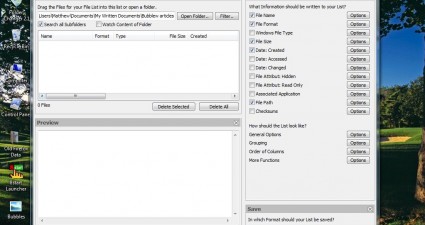
A previous article covered how you can set up a directory listing. However, with the Directory List and Print software your lists are limited to single folder directories. To set up a custom list of files from multiple folders, yo...

Read More
Tip / Trick
By MatthewA - October 10, 2014

How to customize disk drive icons in Windows [Tip]

This article covered how you can customize folder icons. However, Iconmancer doesn’t include any options for switching disk drive icons. As such, for that you should check out the freeware FolderiChanger software package. Yo...

Read More
Tip / Trick
By MatthewA - October 10, 2014

How to resize images with drag and drop in Windows [Tip]

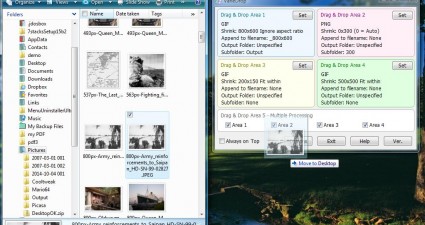
Almost all editing software packages have resize options to adjust image dimensions with. Resizing them usually requires entering specific values for width and height. However, with VarieDrop you can set multiple resizing profiles...

Read More
Tip / Trick
By MatthewA - October 10, 2014

How to add border themes to screenshots in Windows [Tip]

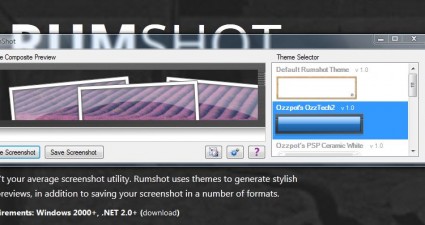
You can capture snapshots in Windows with the Snipping Tool, and there are also various screenshot utilities. However, few of those have options that add themes to the shots. RumShot is a freeware utility that captures small deskt...

Read More
Review
By Kent - October 10, 2014

[Android] Wake up on time with Morning Kit (Alarm & Panels)

Do you find it difficult to manage your hectic mornings? Well, you’re not alone. However, you shouldn’t use it as a reason to start your day with the worst mood ever. Instead, you can think of a good solution to better start off y...

Read More
Tip / Trick
By Kent - October 10, 2014

How to batch compress JPG and PNG images online [Tip]

In previous posts, you’ve already learned how to compress or reduce the size of high-resolution images without losing their quality. This time, you’re about to learn how to batch compress JPG and PNG images so that you can save mo...

Read More
Tip / Trick
By MatthewA - October 10, 2014

How to merge PDF documents online [Tip]

A PDF (Portable Document Format) document is an open standard for document exchange. Whilst you can edit PDF document content with PDF editing software, few packages have options that merge multiple PDFs together. However, you can...

Read More
Tip / Trick
By Kent - October 10, 2014

How to chat anonymously in Android [Tip]

Whether you’re just bored or looking for a random chat mate, you can always rely on various ways to mingle with other people from all corners of the world. As a matter of fact, it’s quite easy to do for as long as you have a compu...

Read More
Tip / Trick
By MatthewA - October 10, 2014

How to convert a web page to PDF in Firefox [Tip]

This article covered how we can open PDF documents in Firefox. However, you can’t convert website pages into PDF documents with the PDF Viewer add-on. To convert website pages to PDFs with Firefox, check out the url2PDF add-...

Read More
Tip / Trick
By Kent - October 10, 2014

How to split a GIF image into frames online [Tip]

There are many reasons why one would want to split an animated GIF into individual frames. One good reason is that you might want to re-edit the GIF by inserting your own image or text. You can also create a new GIF by combining d...

Read More
Tip / Trick
By MatthewA - October 9, 2014

How to add an enhanced Open With menu to Windows [Tip]

Each file in Windows includes an Open With option on its context menu. With that you can select a specific software package to open the file with. To enhance the Open With menu, consider adding the freeware OpenWith Enhanced to Wi...

Read More
Tip / Trick
By MatthewA - October 9, 2014

How to add folder tabs and bookmarks to Windows Explorer [Tip]

Browser page tabs eradicated the need to open separate windows to browse alternative website pages simultaneously. So why haven’t Microsoft added folder tabs to Windows Explorer? They would be a great addition to Windows Exp...

Read More
Tip / Trick
By MatthewA - October 9, 2014

How to open page frames in new tab in Chrome [Tip]

Some websites incorporate frames to enhance their navigation. Google Chrome previously had an Open Frame option with which you could open separate frames in alternative page tabs. Now Google have removed that option, but we can re...

Read More
Tip / Trick
By MatthewA - October 9, 2014

How to open multiple web pages at once [Tip]

At the moment there aren’t any browsers that include options to open multiple page links. However, we can still open multiple pages with the URL Opener Web app. In addition, there is also a Selection Links add-on for Firefox...

Read More
Tip / Trick
By Kent - October 9, 2014

How to check unlock history in Android [Tip]

Do you want to monitor your Android smartphone or tablet to see who used it without your knowledge and permission? If your answer is yes, then it’s about time for you to learn how to check your unlock history in Android. How? Bett...

Read More
Tip / Trick
By Kent - October 9, 2014

How to enable auto correct feature in Chrome [Tip]

Did you know that aside from its built-in spell checker, Chrome also has a built-in autocorrect function? With it, you can automatically correct your mistyped texts while typing. This is great especially when you’re hastily typing...

Read More
Tip / Trick
By Kent - October 9, 2014

How to add watermark to images in Android [Tip]

If you’re someone who likes to upload and share high-quality photos to various photo sharing communities such as Pinterest, Flickr and Instagram, you might as well consider putting a watermark to your photos. This will help preven...

Read More
Tip / Trick
By MatthewA - October 8, 2014

How to find out if a software is 64-bit or 32-bit in Windows [Tip]

Lots of Windows software packages usually have 32 and 64-bit versions. If you have 32-bit Windows it’s essential to be clear whether your new app is 32 or 64-bit. If the app is 64-bit it isn’t going to run on 32-bit Wi...

Read More
Tip / Trick
By MatthewA - October 8, 2014

How to convert documents to audio files in Windows [Tip]

There are various text-to-speech software packages that turn text documents into audio. Among them is the AudioDocs app that is an open source program. With AudioDocs you can convert your Word, txt and PDF documents into wav audio...

Read More
Tip / Trick
By MatthewA - October 8, 2014

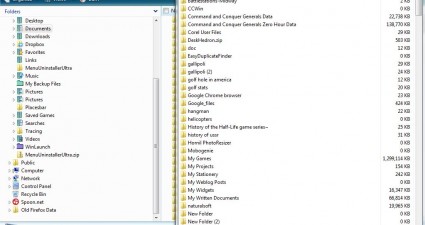
How to add a folder size column to Windows Explorer [Tip]

To check the size of your folders in Windows Explorer, you would usually right-click a folder and select Properties. That opens the Properties window which includes details for the folder’s size. However, with FolderSize we ...

Read More
Tip / Trick
By Kent - October 8, 2014

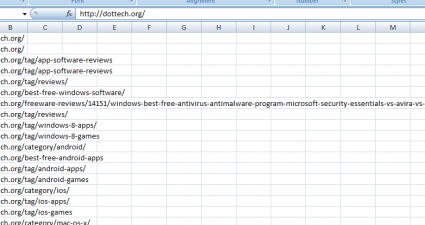
How to extract all links from a webpage in Chrome [Tip]

If you are someone who is looking for a faster and more convenient way to extract all links from a webpage, then there’s no need for you to look any further. In this post, you will be able to learn the steps on how to extract all ...

Read More
Tip / Trick
By Kent - October 8, 2014

How to automatically refresh a page in Chrome [Tip]

By knowing how to automatically refresh a page in Chrome, you’ll be able to get the latest news and updates from various sites and blogs before everyone else does. Such option will also come in handy when you’re tracking live blog...

Read More
Tip / Trick
By Kent - October 8, 2014

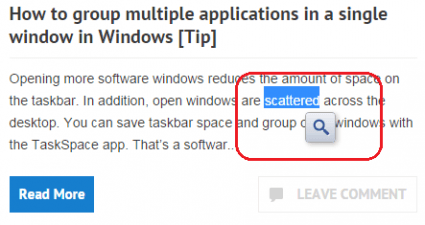
How to search Google by highlighting text in Chrome [Tip]

By default, Chrome provides a “Search Google for” context menu option. This option lets you search Google for a particular keyword or term by simply highlighting it. The problem is you still need to type additional text if you wan...

Read More
Tip / Trick
By MatthewA - October 7, 2014

How to add a tabbed toolbar to Windows and Mac OS X [Guide]

There are various application launchers that you can add to the top of Windows. Among them is sTabLauncher that adds a toolbar to the top of the Windows desktop. Unlike some of the alternatives that toolbar includes tabs with whic...

Read More
Tip / Trick
By MatthewA - October 7, 2014

How to merge multiple MP3s into one in Windows [Tip]

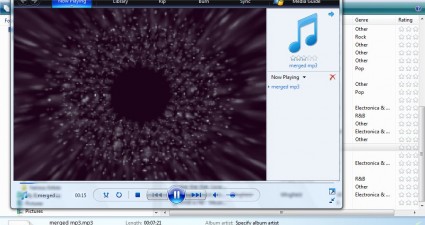
An MP3 joiner is software the merges two, or more, MP3 files together. Among them is the freeware Media MP3 Joiner software that joins MP3 files. As such, you can join multiple MP3 files together into a custom album that plays thr...

Read More
Tip / Trick
By Tiago Oliveira - October 7, 2014

The most effective subject line ever will spell your doom! [Tip]

Just have a look at this eye-opening slam-banger from Twitter Counter: Holy cow, so you mean a staggering 53 people unfollowed our brand? But who and why? Never fear, Twitter Counter to the rescue! A click on their email link is a...

Read More
Tip / Trick
By MatthewA - October 7, 2014

How to preview HTML code snippets in Chrome [Tip]

HTML (Hyper-Text-Markup-Language) is the basic website code. Whilst you can set up websites with WYSISWYG software, some website designers use HTML editors instead. Those who design their pages with HTML editors should check out t...

Read More
« Previous 1 … 101 102 103 104 105 106 107 108 109 110 111 … 451 Next »

Recent Posts

  • How to record your desktop screen, edit and export like a pro with ScreenToGif [Windows]
  • How to edit your audio tags using Mp3tag [Windows]
  • How to create animated PNGs [Windows]
  • How to create simple animated GIF screen captures with LICEcap [Windows]
  • How to edit MP3 files fast and easy with mp3DirectCut [Windows]
  • How to become a crossword (cheat) champ [Windows]
  • How to locate files and folders by filename instantly [Windows]
  • How to broadcast your PowerPoint 2010 (or later) presentation [Windows]
  • PDFelement vs Acrobat Pro DC [Tip]
  • How to fix disk signature collision problem of a drive without formatting in Windows [Tip]
  • How to turn ads off in uTorrent in Windows [Tip]
  • How to use an MP3 song as a ringtone in an iPhone [Tip]
  • The Best 4 Software to Install on Your PC in 2018 [Tip]
  • How to stop killing your battery by overcharging your laptop [Tip]
  • How to reencode videos using XMedia Recode [Windows]
  • How to download videos using 3D Youtube Downloader [Windows]
  • How to highlight cells having keywords in Excel [Tip]
  • How to prevent users from changing desktop wallpaper in Windows [Tip]
  • Download and record any song or video from the web with KeepVid Music [Windows]
  • Download 1080p and Ultra HD videos from any site with KeepVid Pro [Windows]
  • How to add/remove apps and programs in Windows 10 [Tip]
  • How to save space by cleaning up Component Store (WinSxS folder) in Windows 10 [Tip]
  • Download videos online from any site with KeepVid Online [Web/Browser]
  • How to enable/disable OneDrive for file storage in Windows 10 [Tip]
  • How to find out what edition, version and OS build of Windows 10 I have? [Tip]
  • How to change name Cortana calls you [Tip]
  • How to encrypt a single file or folder in Windows 10 [Tip]
  • How to encrypt internal hard drive in Windows 10 [Tip]
  • Download HD videos fast with KeepVid YouTube Video Downloader [Android]
  • How to turn on/off sync settings in Windows 10 [Tip]
  • How to enable or disable automatic updates for Windows Update in Windows 10 [Tip]
  • How to turn on/off driver updates using Windows Update in Windows 10 [Tip]
  • How to hide or show Windows updates in Windows 10 [Tip]
  • How to set wireless network as metered/non-metered connection in Windows 10 [Tip]
  • How to turn on/off system protection for drives in Windows 10 [Tip]

The Hidden Stash (aka Categories)

© 2008-2017 dotTech.org | All content is the property of its rightful owner. | We are part of the Azadi Network.